
Study Lighting Ideas That Supercharge Focus and Make Your Desk Look Amazing
Great study lighting isn’t just about seeing your notes—it shapes your focus, mood, and energy. The right mix of task, ambient, and accent light can reduce eye strain, sharpen concentration, and make even marathon sessions feel more comfortable and inspiring.
Think in layers: a glare-free desk lamp for task lighting, soft ambient light to balance shadows, and subtle accents to add depth. Aim for neutral-white color temperatures (4000–5000K) for daytime focus, warm-white (2700–3000K) for late-night reading, and high CRI (90+) for true-to-life text and colors. Position lighting to the opposite side of your writing hand, diffuse harsh hotspots, and harness natural daylight without screen glare.
Get the Fail-Safe Paint Color Playbook (Free PDF)
36 proven colors • 8 ready palettes • trim & sheen guide • printable testing cards.
Whether you’re outfitting a dorm, a compact nook, or a full home office, there are smart, space-saving ways to light your setup—dimmable LED desk lamps, clamp-on swing arms, under-shelf strips, wall sconces, smart bulbs, and bias lighting behind monitors. From budget-friendly fixes to premium upgrades, these study lighting ideas help you build a brighter, calmer, more productive workspace.
Task Lighting for Desks: Study Lighting Ideas for Focused, Glare-Free Productivity
Task lighting is the engine of a productive study nook, turning a dim desk into a high-contrast, low-glare workspace. Aim for 500–1000 lux on the work surface to keep text crisp without squinting. A neutral 4000–5000K color temperature maintains alertness while rendering ink and highlighters naturally when CRI is 90 or higher. Choose fixtures with flicker-free drivers and diffusers to reduce eye fatigue during long reading or coding sessions. Position the light opposite your writing hand to avoid casting shadows across notebooks and reference books.
- Adjustable Desk Lamp: A jointed arm with a rotating head lets you aim light precisely, minimizing shadows and glare while keeping 500–800 lux on textbooks, notebooks, and keyboard surfaces.
- Clamp-On Task Light: Saves desktop space and positions over the document plane; choose a sturdy clamp, long reach, dimmer, and 4000–5000K neutral-white LED for crisp contrast without harshness.
- Monitor Light Bar: Mounts atop your display to illuminate the desk using an asymmetrical beam that avoids screen reflections, freeing space and reducing eye strain during reading, note-taking, and late-night sessions.
- Under-Shelf LEDs: Slim, hardwired or plug-in LED bars mount beneath shelves, brightening the work surface evenly; select 90+ CRI, frosted diffusion, and magnetic mounting for quick alignment adjustments.
- Asymmetric Beam Lamp: An off-center optical design pushes light away from your eyes while flooding pages evenly, ideal for glossy textbooks, left- or right-handed users, and dual-monitor study setups.
Ergonomics matters as much as brightness in study lighting ideas for small or shared spaces. A dimmer and tilt/swivel head let you adapt to textbooks, tablets, and sketching without moving everything around. Smart plugs or lamps with presets streamline transitions between focus, video calls, and wind-down reading. Keep cables tamed with clips and route heat away from paper stacks to prevent hotspots and distractions. Pair task lamps with soft ambient fill to lower contrast ratios and prevent a tunnel-of-light effect around your desk.
The 45/45 Task-Lighting Rule for Shadow-Free Studying
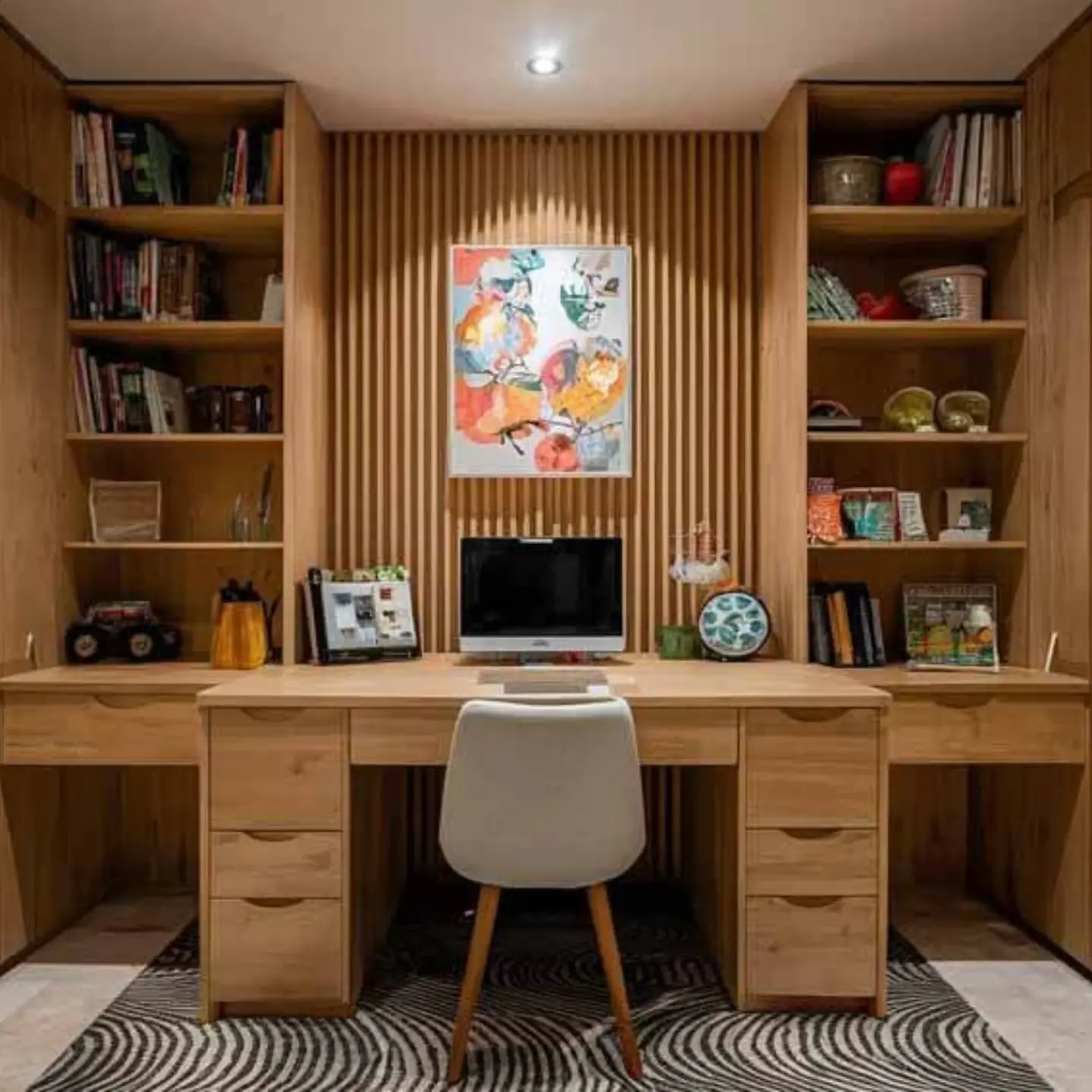
Nail the fundamentals first: position your desk lamp using the 45/45 rule. Aim the light at roughly a 45-degree angle to the work surface and place it on the opposite side of your writing hand to eliminate hand shadows. Keep the head slightly forward of your eyes so light lands on the page—not your pupils—and angle it to avoid reflecting off glossy textbook pages or your laptop screen. Choose a neutral-white desk lamp (4000–5000K) with a high CRI (90+) to render crisp, high-contrast text. For brightness, target 500–1,000 lux on paper; a free lux-meter app can help you dial this in. A pivoting head, a wide shade, and a built-in diffuser reduce hotspots and spread light edge to edge across your notes. If you wear glasses, a lower mounting point and steeper angle reduce lens glare. Finally, separate your task light’s switch or dimmer from room lighting, so you can tune intensity without washing out your display. This small placement tweak dramatically cuts eye strain, stabilizes focus, and instantly makes any study nook feel more intentional.
Layer Ambient + Task: Uplight the Room, Spotlight the Work
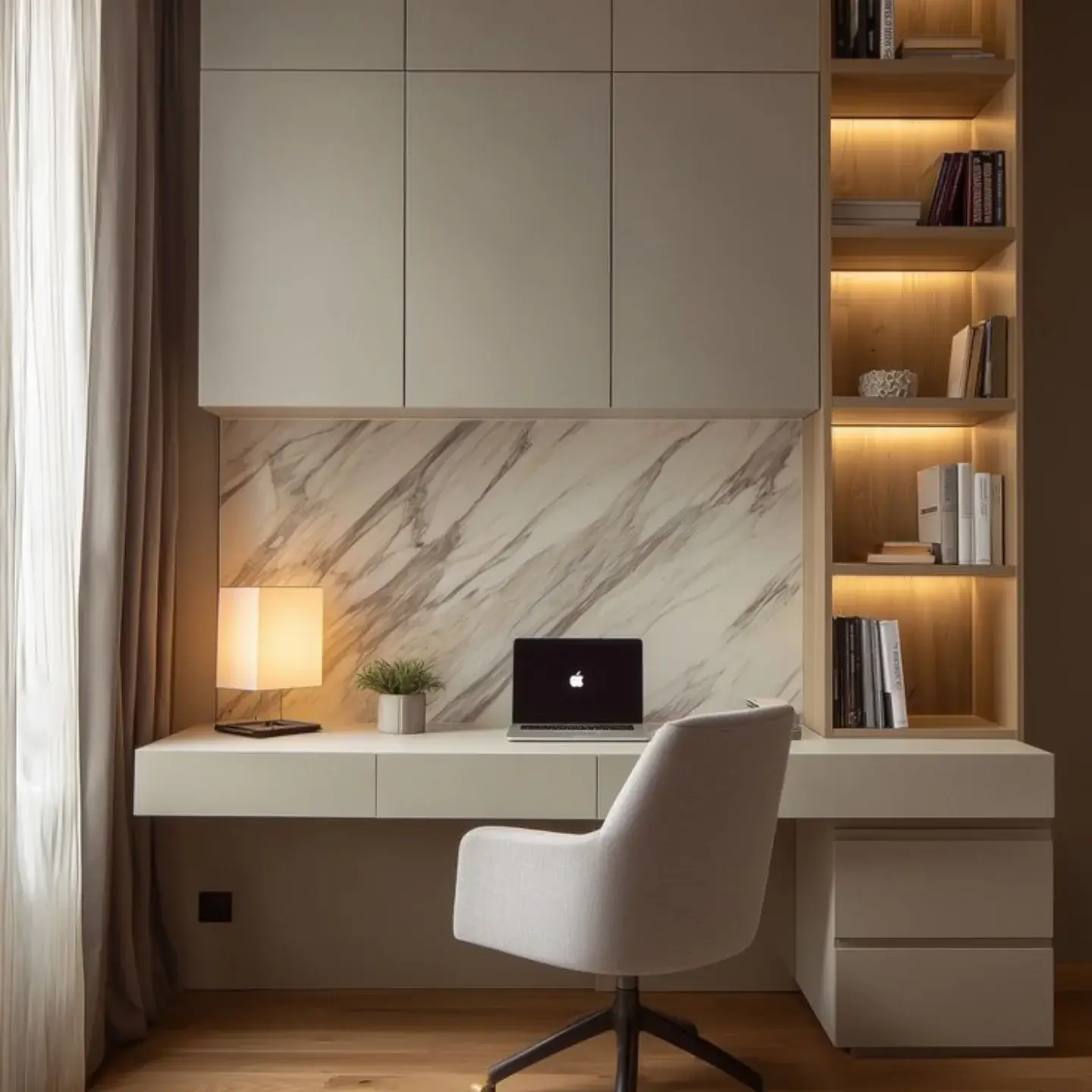
Great study lighting balances contrast. Pair a focused desk lamp with soft, indirect ambient light that “fills” the room. An uplighting floor lamp or wall-washing LED bar aimed at the ceiling creates a comfortable glow (around 150–300 lux) that prevents your eyes from jumping between a bright page and a dark room. That stable background light reduces fatigue during long reading sessions and makes screen work easier on the eyes. Keep the task lamp neutral-white (4000–5000K) and let the ambient layer run slightly warmer (3000–3500K) to add calm without dulling contrast. If the space echoes or feels stark, bounce ambient light off a light-colored wall for instant depth. Dimming is your superpower: nudge ambient down when you need high-focus problem-solving, and raise it when switching to brainstorming or analog reading. Maintain consistent color temperature within each layer to avoid visual “color noise.” This simple two-layer strategy looks sophisticated, photographs beautifully, and—most importantly—feels effortless to work under.
Clamp-On Swing Arms: Big-Light Flex on a Small Desk
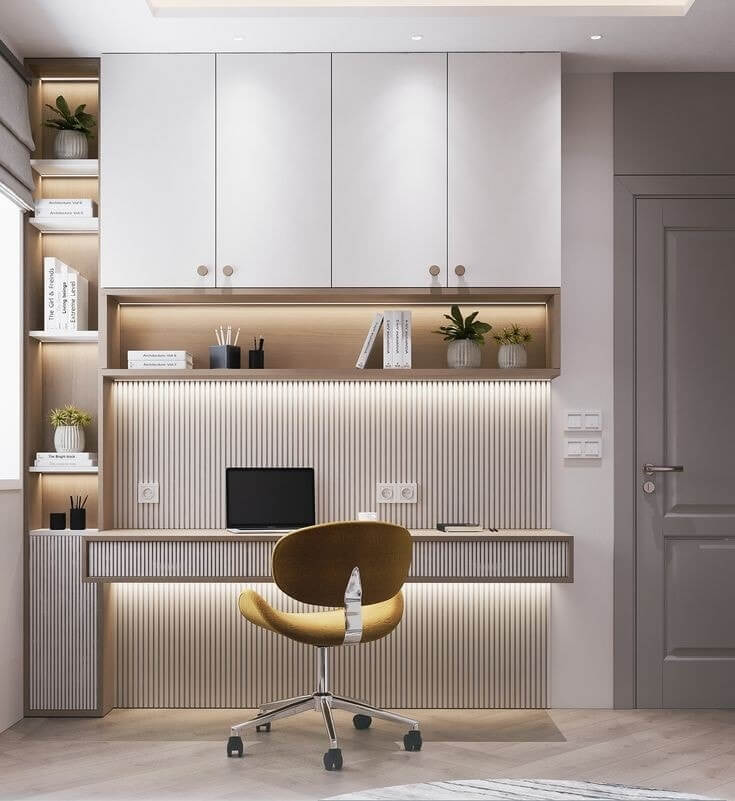
Short on surface area? A clamp-on swing-arm lamp delivers full-size task lighting without stealing desk space. Mount it to the back or side edge and extend the arm so the head sits just outside your field of view, angled 30–45 degrees toward the work. The long reach lets you float the light over notebooks, tablets, and keyboards while keeping cables off the mat. Look for adjustable tension joints, a wide, diffused head, flicker-free dimming, and CRI 90+ for accurate text and diagram colors. A neutral-white setting (around 4500K) is a reliable all-rounder; shift warmer at night to wind down. To keep glare off your screen, position the lamp so the beam skims across the desk from the far corner, not straight at the display. Aim for 600–900 lumens at the work area, then fine-tune with the dimmer. Combined with a slim ambient source in the room, a clamp lamp transforms compact study nooks into ergonomic, shadow-free workstations.
Bias Lighting Behind Monitors to Reduce Eye Strain
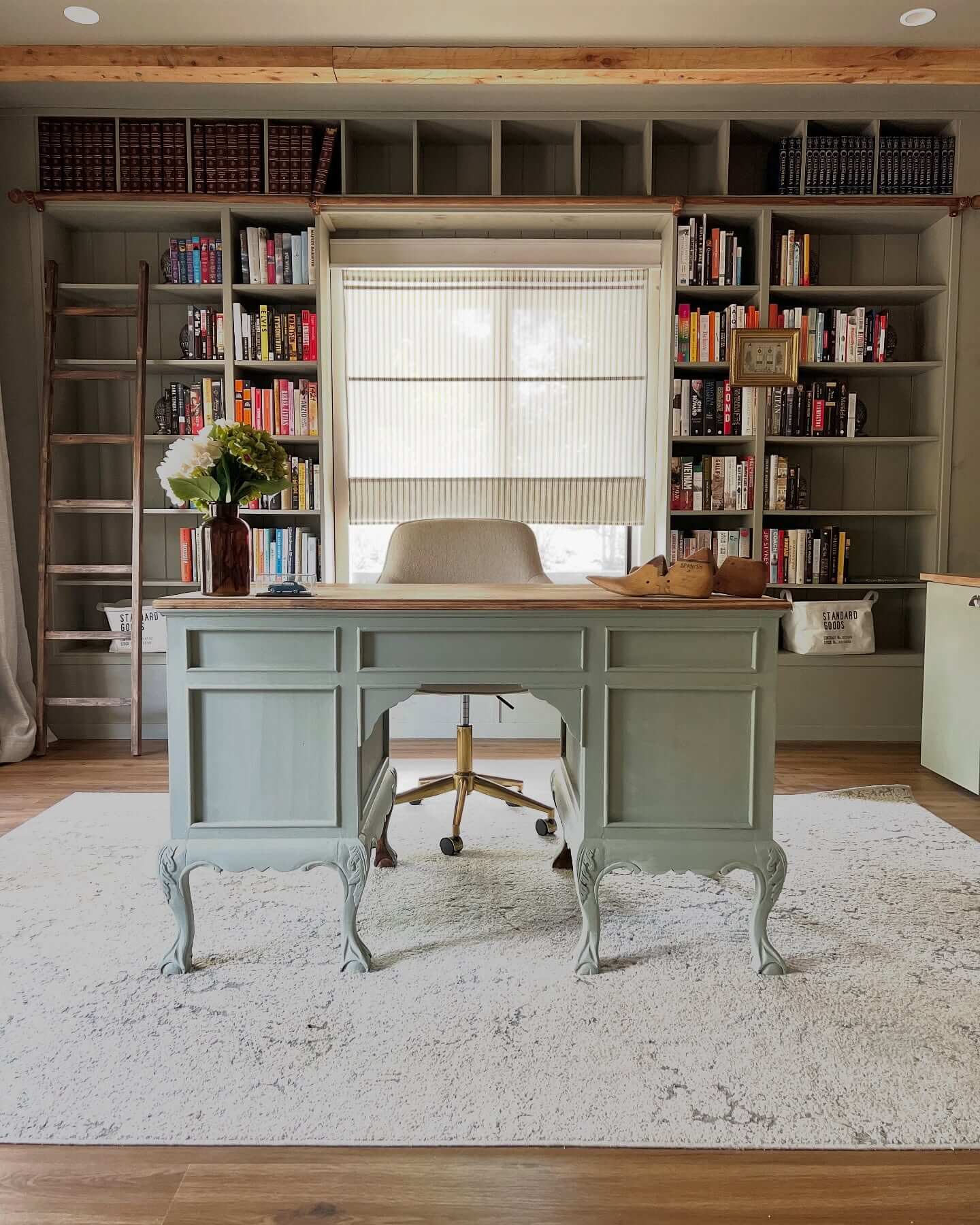
If you work from a monitor, add bias lighting—a soft halo behind the screen—to soothe your eyes and improve perceived contrast. A 6500K (D65) LED strip placed on the back edges of the display and bounced off the wall at low brightness (about 10% of peak screen luminance) keeps your pupils from constantly dilating between a bright display and a dark background. The result: steadier focus, fewer headaches, and less temptation to crank your monitor too bright. Choose high-CRI, flicker-free strips in a neutral or daylight white; reserve RGB for breaks, not study sessions. Mount strips in aluminum channels with diffusers to avoid hotspots, and route power neatly along the stand or through a cable spine. Pair bias light with a targeted desk lamp and a dimmable room layer for a three-tier setup that looks clean and feels calm. It’s an inexpensive upgrade that delivers an outsized comfort gain during screen-heavy study days.
Under-Shelf LED Strips for a Clean, Floating Workspace
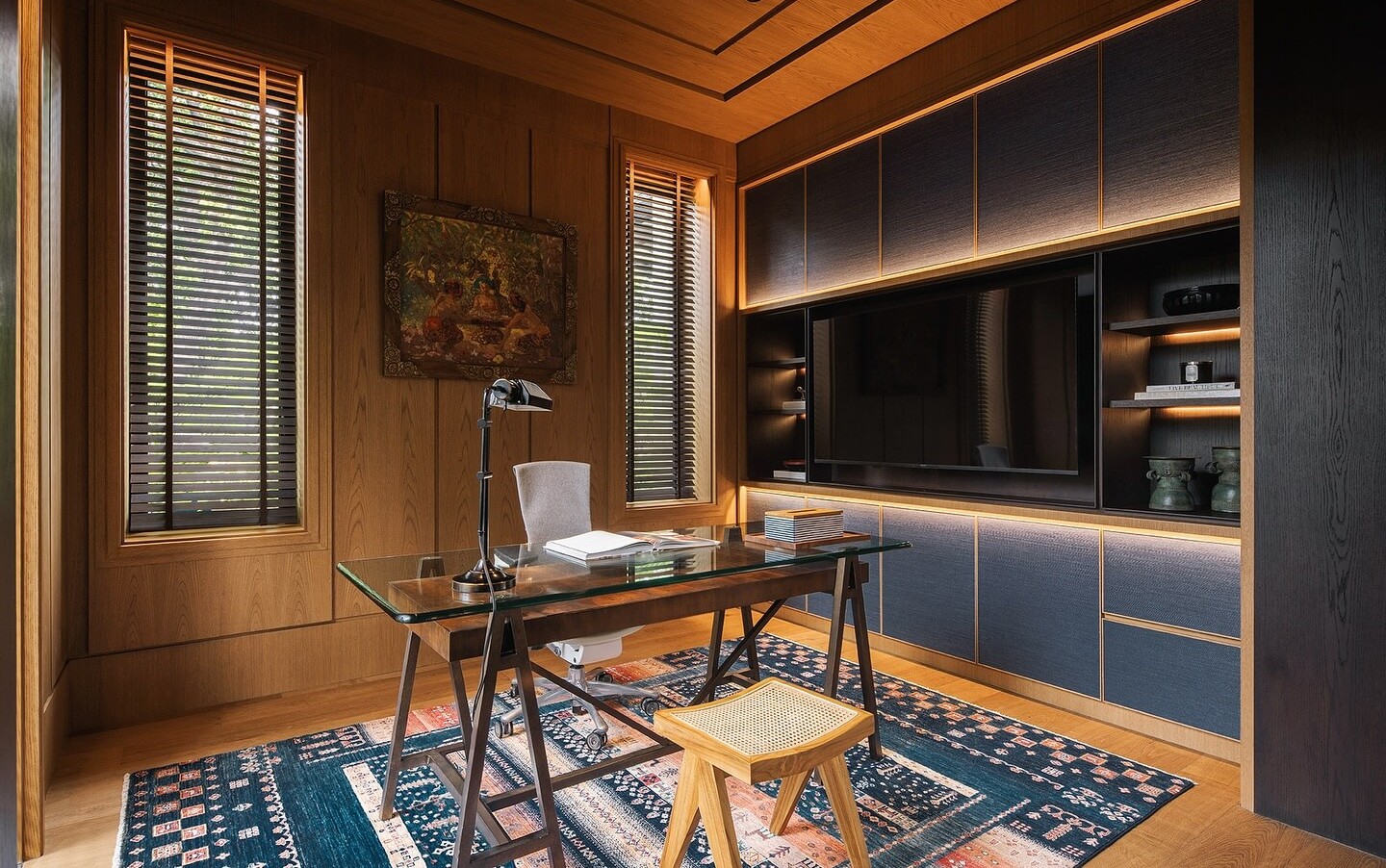
If your desk sits beneath shelves, turn that vertical space into a lighting asset. Install under-shelf LED strips to create an even “floating” wash over your work surface. Use aluminum channels with opal diffusers to eliminate diode dots and cast a soft, shadow-free beam across notebooks and keyboards. Target neutral-white (4000–4500K) for study clarity, and add a dimmer or touch switch mounted under the shelf for quick control. Keep wiring invisible by routing through cable raceways along the shelf underside and down the rear support—clean lines keep the whole setup feeling serene. For brightness, 700–1,200 lumens per shelf section typically delivers 500–800 lux at desk height, depending on distance. This approach pairs perfectly with bias lighting and a small floor uplight for balanced layers. Bonus: under-shelf light keeps the center of your desk clear, so you can slide a laptop, open a textbook, or sketch without moving a lamp. It’s minimalist, practical, and productivity-forward.
Smart Bulb Routines: Cool for Crunch Time, Warm for Wind-Down
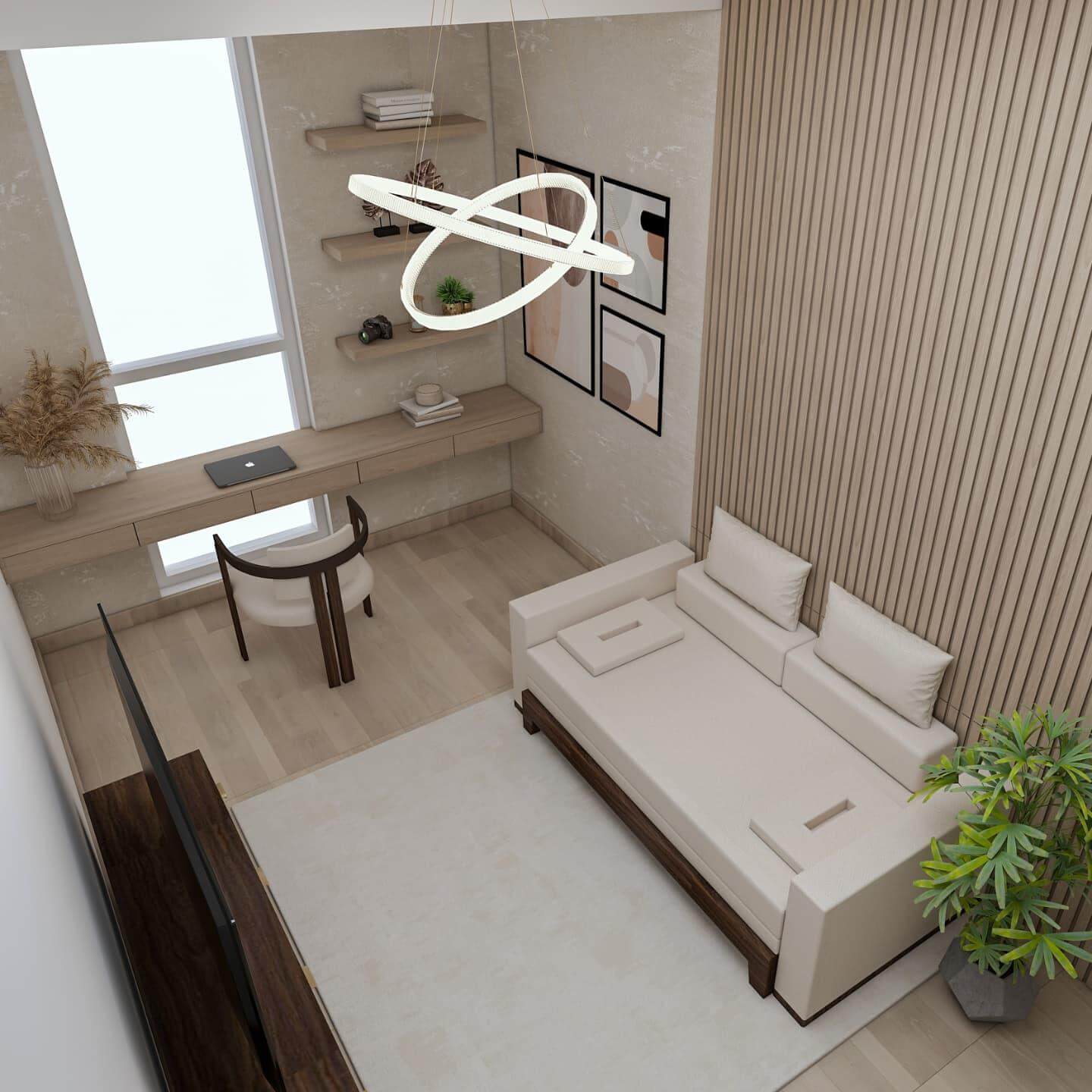
Let your lighting follow your study rhythm. Set smart bulbs or lamps on gentle temperature and brightness routines that mirror your energy curve: cooler white (4800–5200K) in the morning to jumpstart alertness, neutral (4000–4500K) for midday deep work, and warmer (2700–3000K) in the evening to ease into review or reading. Layer automations with your study method: a Pomodoro scene that nudges task light up 10% and ambient down 10% for sprints, then reverses for breaks. Keep CRI high (90+) so textbook colors and annotations stay accurate across scenes. Avoid aggressive, low-frequency PWM dimming, which can cause subtle flicker—look for “flicker-free” specs or higher PWM frequencies. Tie routines to sunrise/sunset and weekday schedules to remove decision fatigue. The result is a workspace that quietly coaches you into focus when it’s time to work and gently signals wind-down when it’s time to stop—no willpower required.
High-CRI LEDs That Make Notes and Text Pop
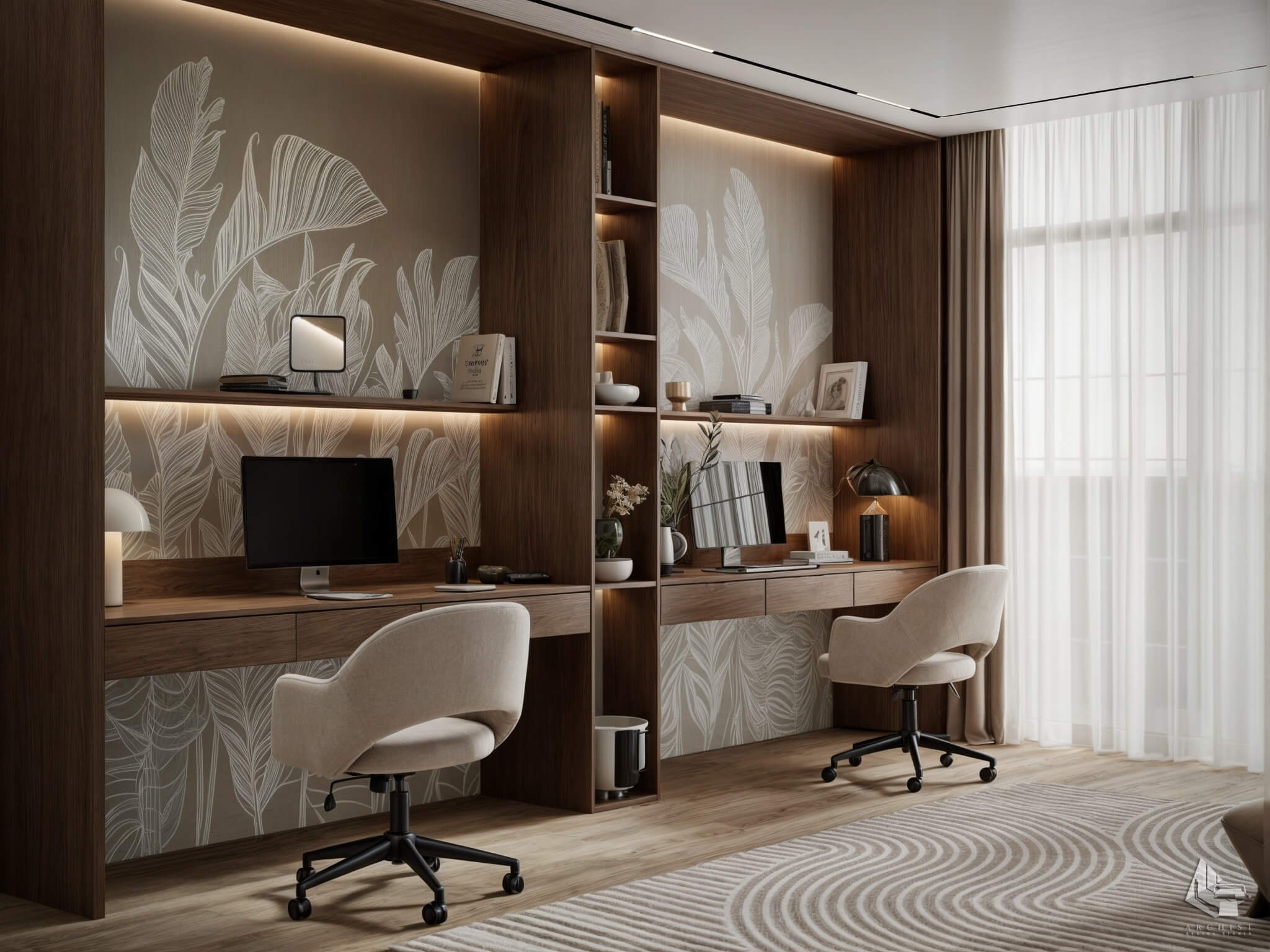
Not all “bright” is helpful. Bulbs with a high Color Rendering Index (CRI 90+, ideally 95+) make black ink crisper, colored highlights clearer, and small type easier to parse—especially during marathon reading. Pay attention to deep-red rendering (R9), which improves skin tones and the subtle warm hues in paper, reducing the gray, washed-out look that tires your eyes. Pair high-CRI light with a neutral-white setting (4000–4500K) for maximum legibility without the cold cast of bluish daylight LEDs. For dimming, prioritize flicker-free drivers; low-frequency PWM can induce fatigue even if you don’t consciously notice flicker. A matte desk mat and non-glossy notebook paper compound the clarity gains by damping reflections. In short: quality of light beats sheer lumens. Upgrade a single task lamp to a high-CRI bulb or LED head and you’ll feel the difference immediately—colors calibrate, edges sharpen, and your study materials look like they’re supposed to.
Wall Sconces and Pendants: Free the Desktop, Frame the Zone
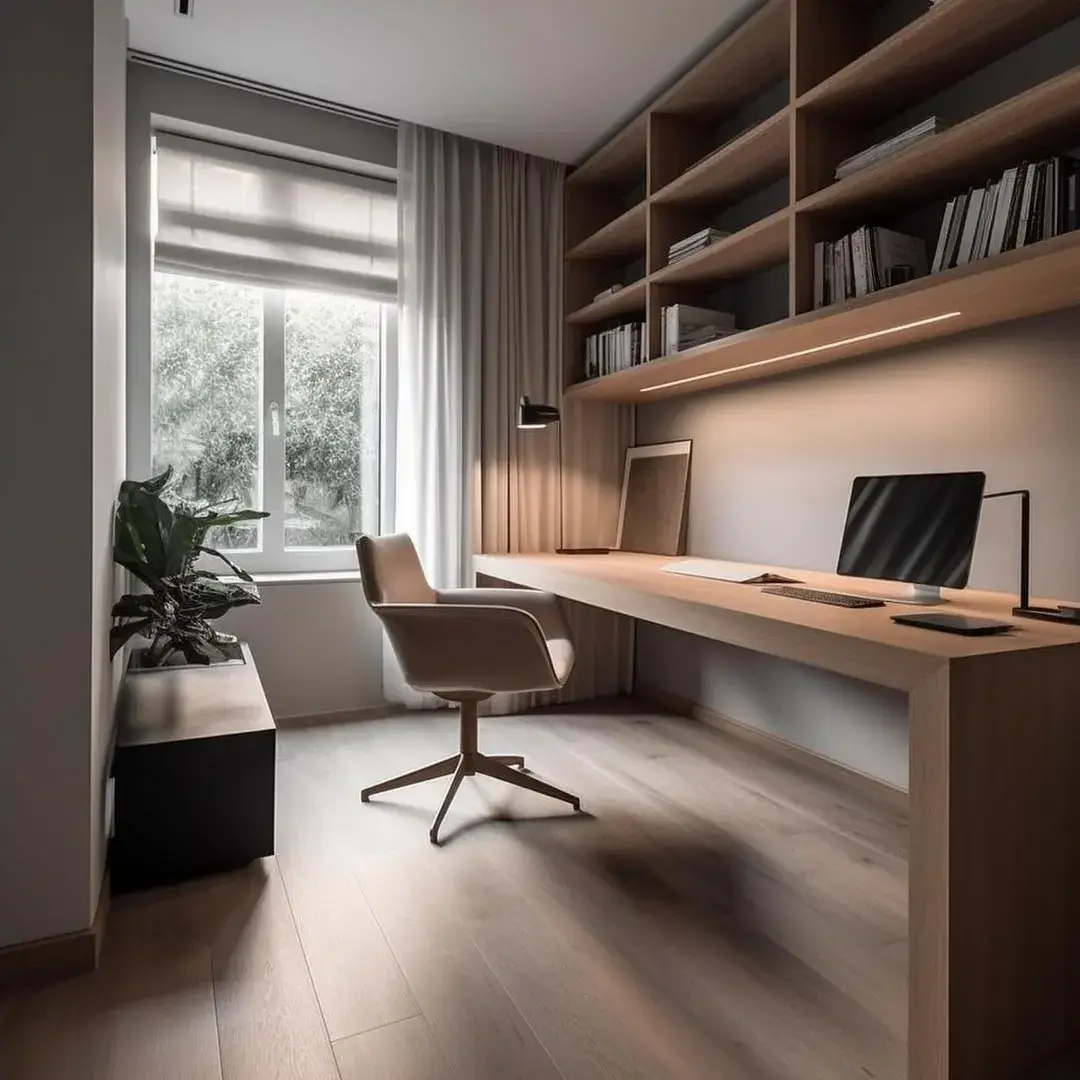
When desk space is precious, move light off the surface. Wall sconces with swing arms frame your study zone, adding symmetry and soft ambient glow while delivering precise task light when extended. Mount sconces slightly above eye level with shades that shield glare and throw light downward at a 30–45° angle. Prefer an overhead statement? A pendant with a wide, shallow shade hung about 28–34 inches above the desktop spreads light broadly without hotspots. Choose warm-to-neutral color temperatures based on use: 3000K for cozy reading-heavy setups, 4000K for mixed tasks, and always aim for CRI 90+. Hardwiring is cleanest, but plug-in options with cord covers and inline dimmers are renter-friendly. Combine with a subtle bias light or under-shelf strip to complete the layered look. The payoff is practical and visual: your work surface stays uncluttered, the room gains architectural interest, and your lighting feels intentionally designed around how you study.
Harness Daylight Right: Desk Placement, Sheers, and Glare Control
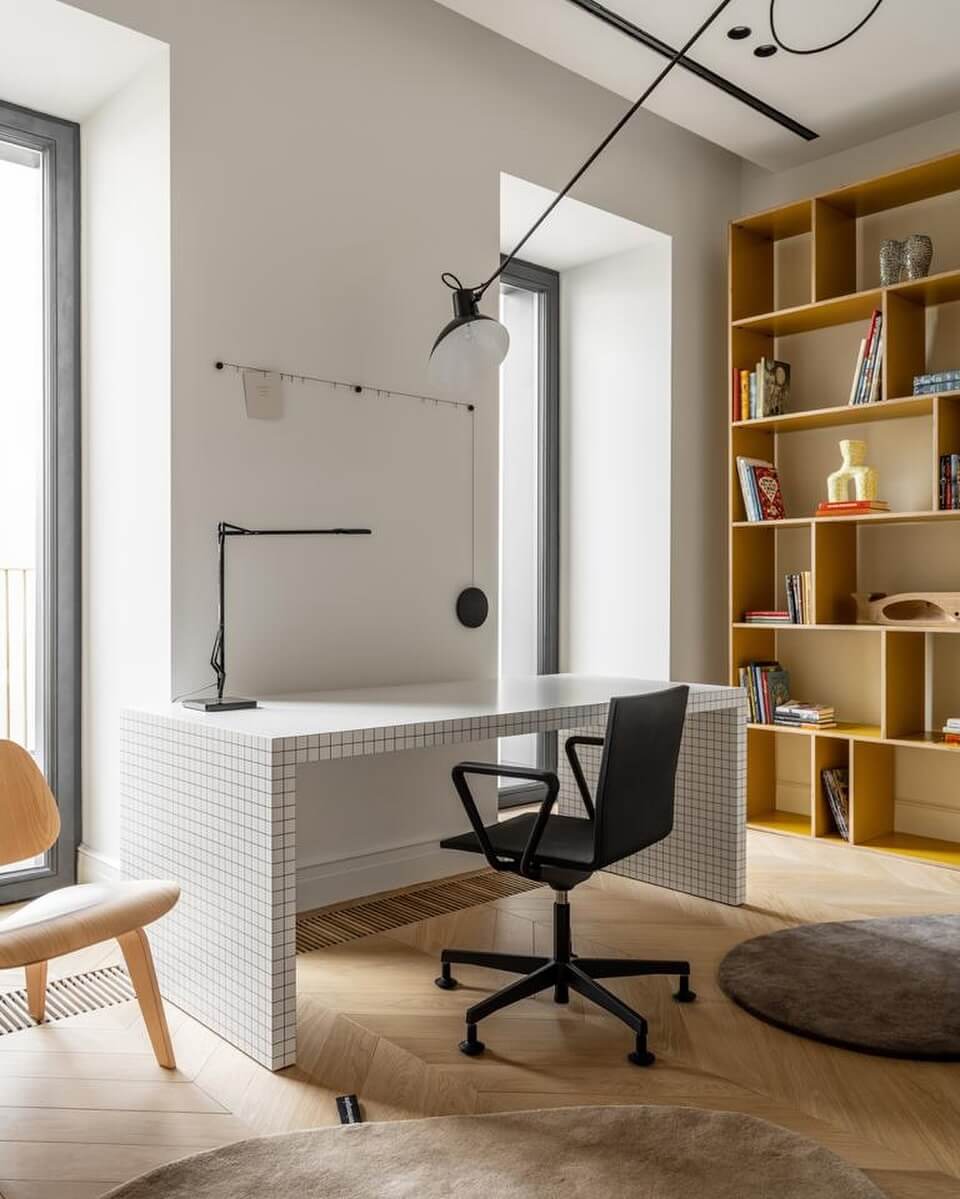
Daylight is free, bright, and motivating—if you control it. Position your desk perpendicular to the window so light arrives from the side, not behind the screen or straight into your eyes. Use sheer curtains to diffuse midday harshness and adjustable blinds to fine-tune beam angle; the goal is bright, shadow-soft light without specular glare on notebooks or displays. If you’re right-handed, place the window to your left to avoid hand shadows (reverse if left-handed). Backlit screens cause squinting, so avoid sitting with the window directly behind the monitor; a simple pivot can transform comfort. On overcast days, let daylight set the mood and supplement with a neutral-white task lamp to hit 500–1,000 lux on the page. Bounce extra light off a light-colored wall or a desktop whiteboard for a soft lift. Dial in once and you’ll enjoy the vitality of natural light with the consistency of a well-lit studio.
Dimming, Diffusion, and Matte Surfaces: The Anti-Glare Toolkit
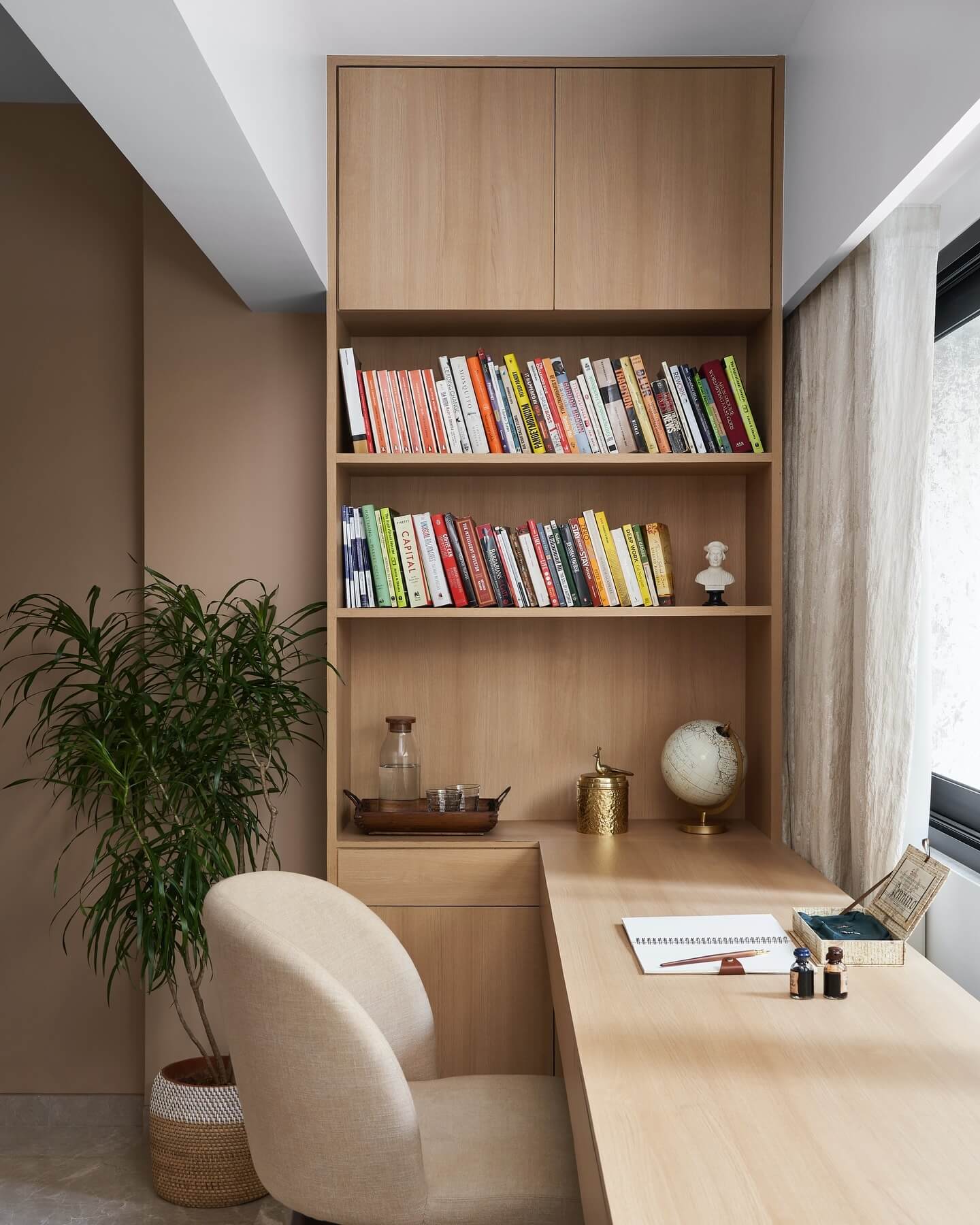
The fastest path to a calmer study space is reducing glare. Start with dimming: independent controls for task, ambient, and bias light let you set comfortable contrast ratios (avoid extremes like a blinding page in a dark room). Add diffusion—lamp shades, frosted bulbs, aluminum channels with opal covers—to smooth out harsh points. Choose matte finishes where your eyes land most: a matte desk mat, non-glossy mouse pad, and an anti-glare screen protector or lower-reflectance monitor coating. Keep monitor brightness appropriate for the room (roughly 100–160 cd/m²) and match your lighting’s color temperature so whites look consistent across paper and pixels. Cable-manage and dust fixtures; a clean lens and diffuser can recover surprising brightness at lower settings. Together, dimming, diffusion, and matte surfaces turn scattered hotspots into a soft, readable field—your notes stand out, your screen feels gentler, and your focus lasts longer.
Get the Fail-Safe Paint Color Playbook (Free PDF)
36 proven colors • 8 ready palettes • trim & sheen guide • printable testing cards.
Monitor Light Bars: Desk Illumination Without Screen Glare
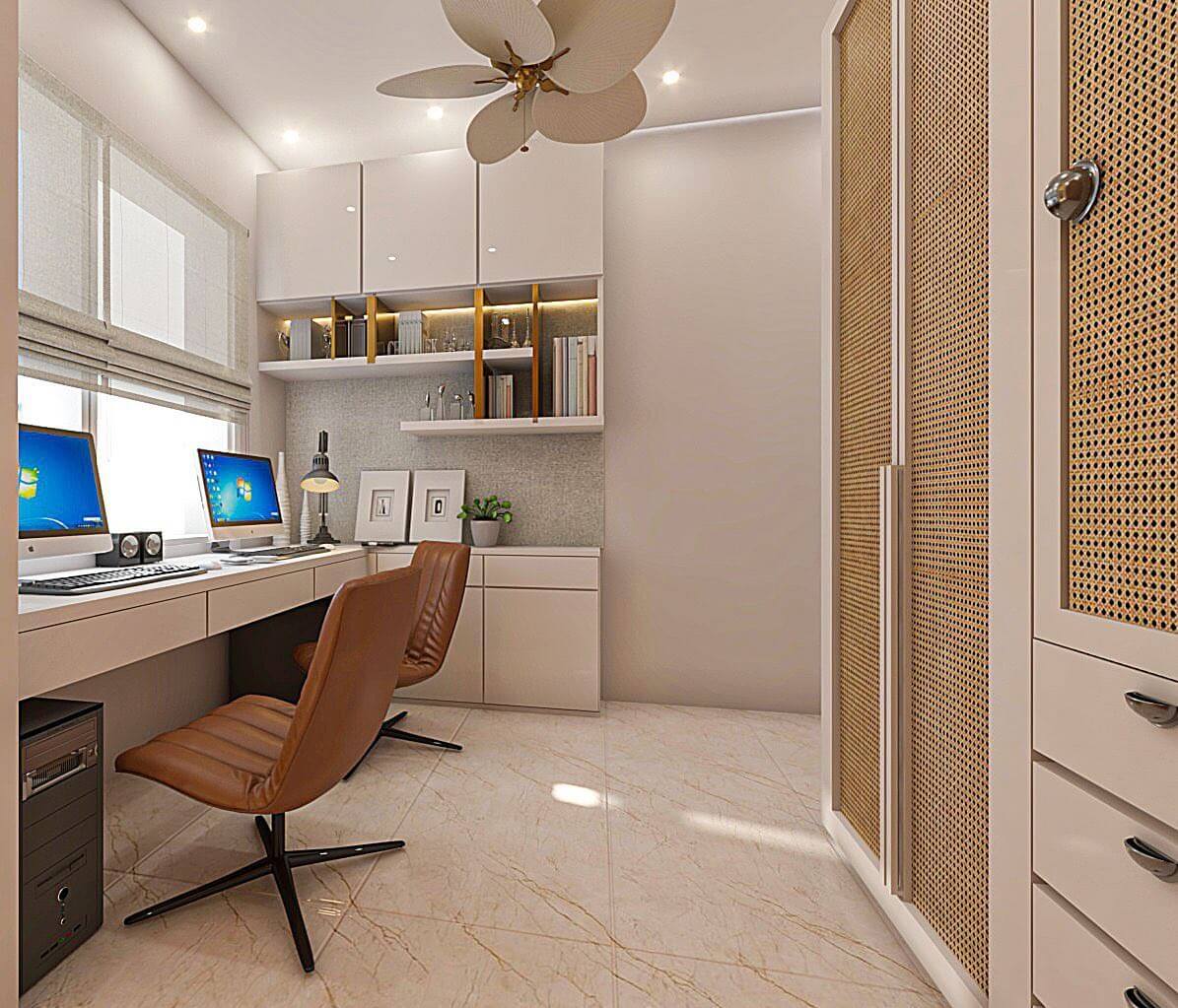
Top-mounted monitor light bars are a study-lighting cheat code: they pour bright, even task light onto your desk while keeping the beam off your display, so you read notes clearly without reflections or halos. Look for asymmetrical optics that project forward and down, not back into the screen, plus high CRI (90+) for crisp text and accurate ink colors. Aim for 4000–5000K during focus-heavy sessions and dim to 30–50% in darker rooms to prevent harsh contrast. Calibrate the angle so the brightest zone lands on your keyboard and notebook, then pair with subtle bias lighting (behind the monitor) to further reduce eye strain. A good target is 300–500 lux on the desk surface from the bar, with total task light reaching 750–1000 lux when combined with your desk lamp. If you’re tight on space, a bar replaces bulky lamp bases and keeps cables tidy. Bonus: many include flicker-free drivers and step-less dimming, so you can fine-tune brightness for PDFs, spreadsheets, or late-night reading without PWM-induced fatigue. It’s a minimal, modern way to layer task lighting into any compact study setup.
Edge-Lit Panel Lamps for Even, Paper-Friendly Illumination
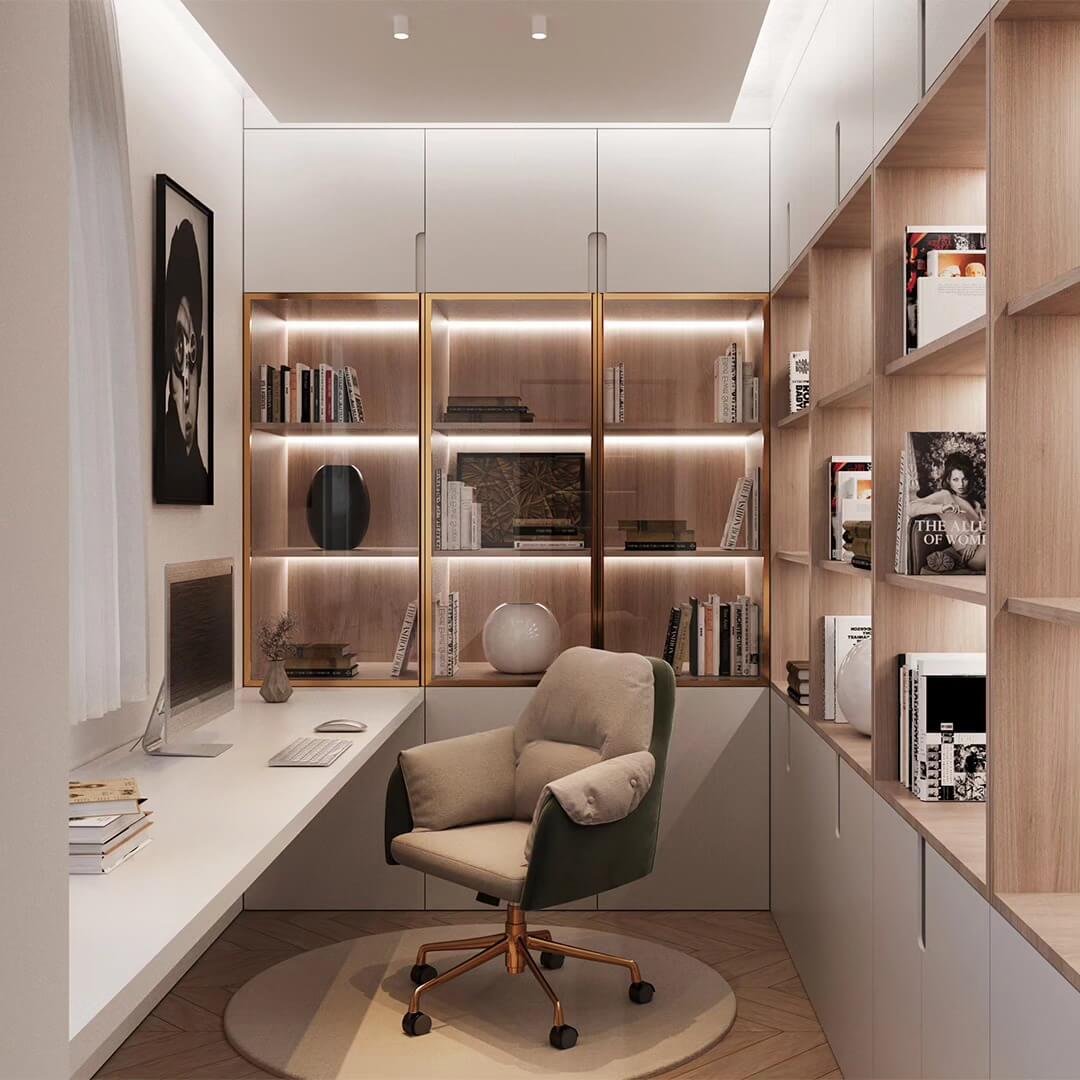
Edge-lit LED desk lamps use side-mounted diodes and a diffusion panel to spread light uniformly across the page—no hotspots, scallops, or micro-shadows on spiral-bound notebooks. That uniformity matters when you’re scanning dense text or annotating margins for hours. Prioritize models with adjustable color temperature (2700–5000K) and a high color-rendering index so pencil lead, highlighter hues, and fine print stay legible without eye strain. For productive reading, set 4000–4500K at medium-high brightness; for winding down, slide to 2700–3000K and dim. Place the panel on the side opposite your writing hand and angle it 30–45 degrees to keep glare off glossy textbook pages. A wide beam (around 120°) can comfortably cover a 24–30 inch work zone, so your keyboard, tablet, and notebook all sit in the same light “pool.” If your desk faces a wall, bounce a bit of the panel’s spill onto that surface to reduce contrast with your screen. Edge-lit designs are slim, stable, and clamp-friendly—perfect for small desks that still demand professional-level task lighting.
Corner Floor Lamps and LED Columns to Fill the Room Without Glare
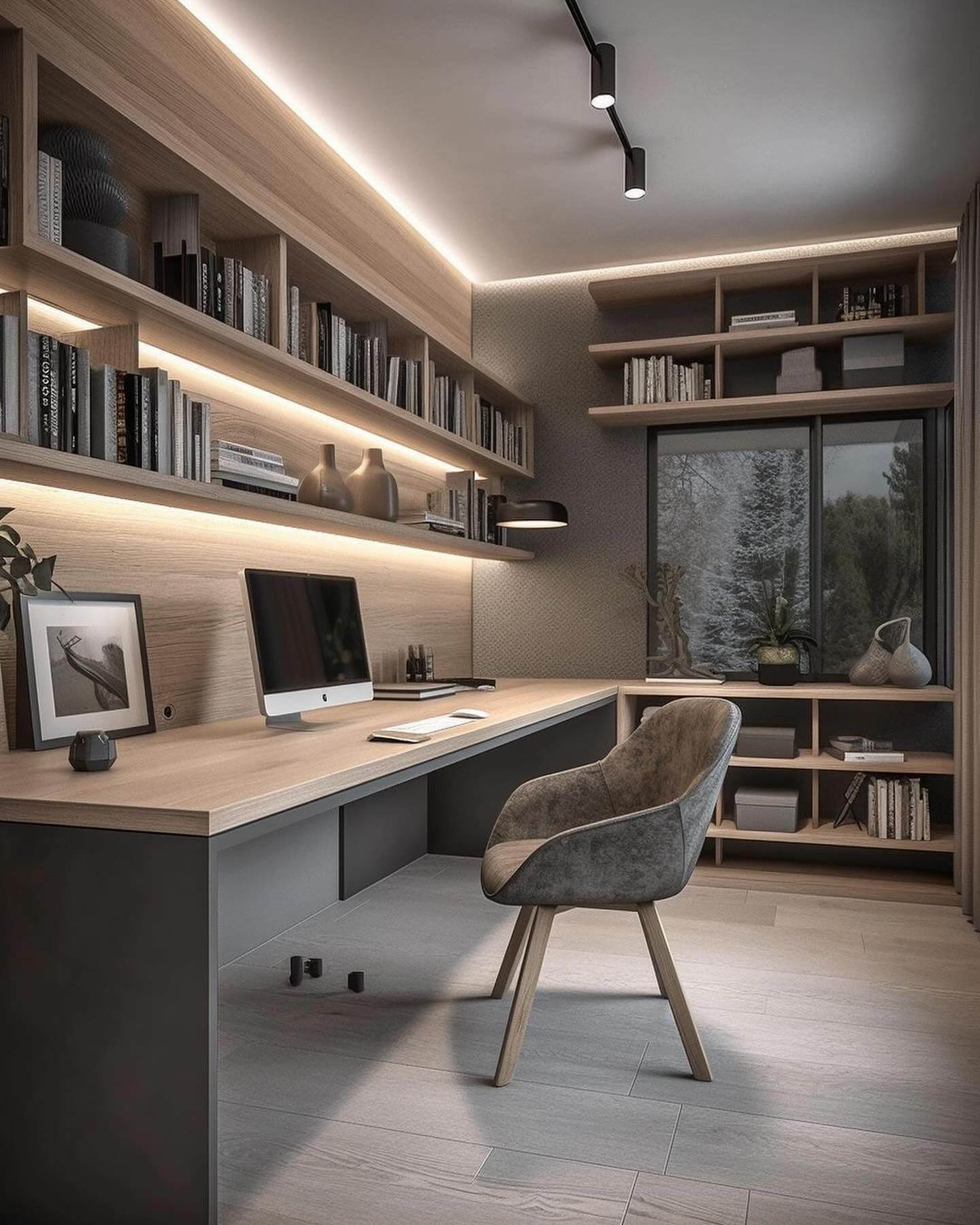
If your task light is great but the room still feels cavernous, add a corner floor lamp or LED column to push light up walls and across the ceiling. Indirect, bounced ambient light relaxes your pupils, flattens harsh shadows, and keeps the brightness ratio between screen, page, and surroundings in the comfortable zone. Choose an uplight/torchiere or a diffused LED column with 1500–3000 lumens and a dimmer. For daytime focus, 3500–4000K balances clarity with warmth; after dark, dim to 2700–3000K to cue calm without turning the space muddy. Position the lamp slightly behind your monitor or to the side of your dominant hand so it becomes a “fill” for your primary desk lamp, not a competing glare source. Tall, slim columns are ideal for studios and dorms because they occupy dead corners while visually expanding the room. The result: a bright, inviting study zone that prevents tunnel vision during marathon reading and reduces the visual fatigue that comes from working in a pool of light surrounded by darkness.
Get the Fail-Safe Paint Color Playbook (Free PDF)
36 proven colors • 8 ready palettes • trim & sheen guide • printable testing cards.
Track Lighting + Wall Wash to Lower Contrast and Calm the Eyes
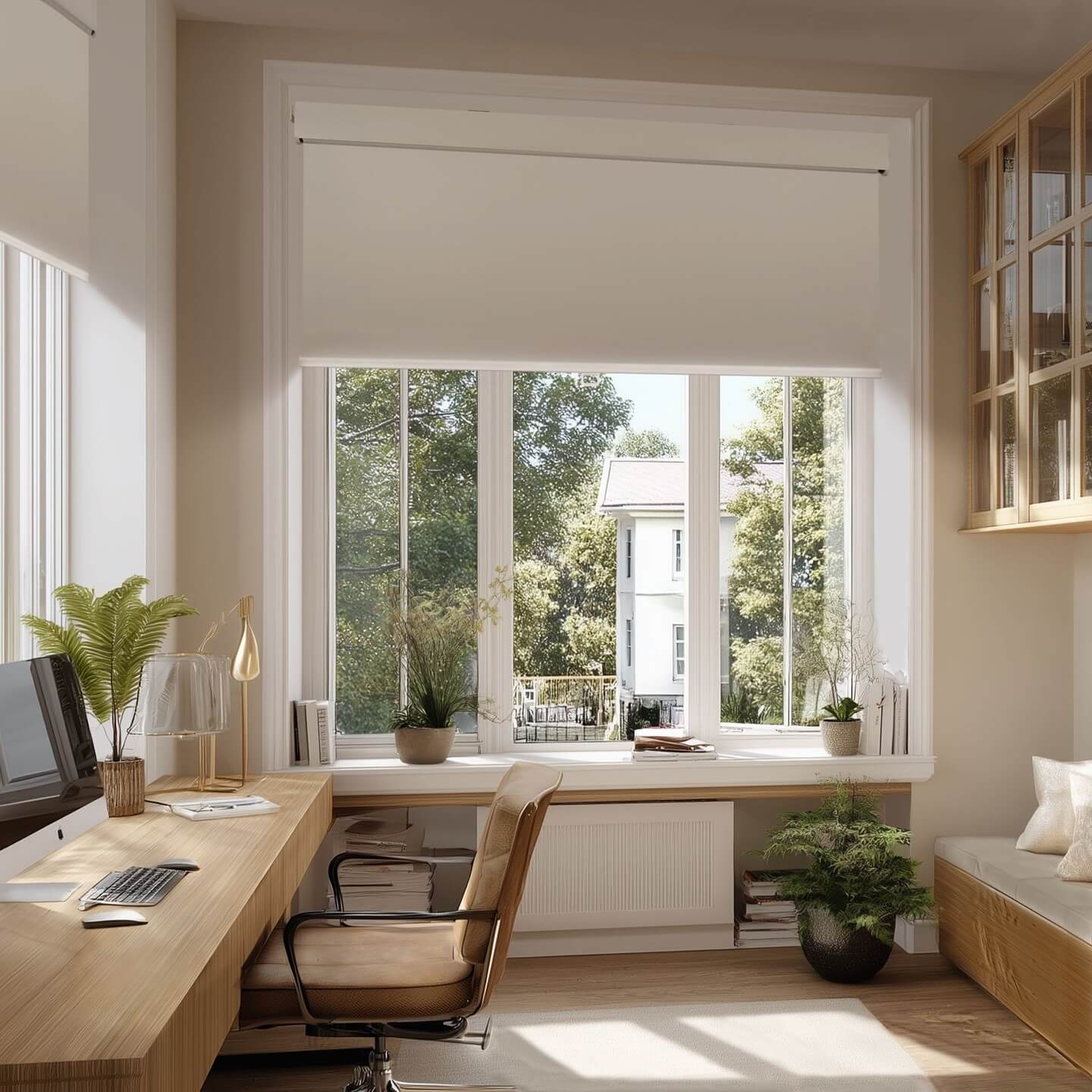
Ceiling track lighting with adjustable heads lets you sculpt the study zone like a mini studio. Aim one or two heads to “wash” the wall behind your desk with soft, even light—this reduces contrast with your screen and keeps your eyes from constantly re-accommodating. Then direct a tighter beam to the desktop or shelving where you reference books. Look for high-CRI heads with interchangeable optics: a 30–60° flood for wall washing and a narrower 20–30° beam for specific task hotspots. Keep correlated color temperature at 3500–4000K for crisp notes and comfortable skin tones on video calls. Dimmable drivers are a must; you want to bring ambient down at night without introducing flicker. Mount tracks slightly forward of the desk edge so beams clear the monitor bezel and fall evenly. Compared to single-point ceiling fixtures, tracks create layered, flexible lighting that evolves with your layout—ideal for multipurpose spaces where your desk, whiteboard, and bookcase all need balanced, glare-free illumination.
Rechargeable, Cordless Desk Lamps for Flexible Study Zones
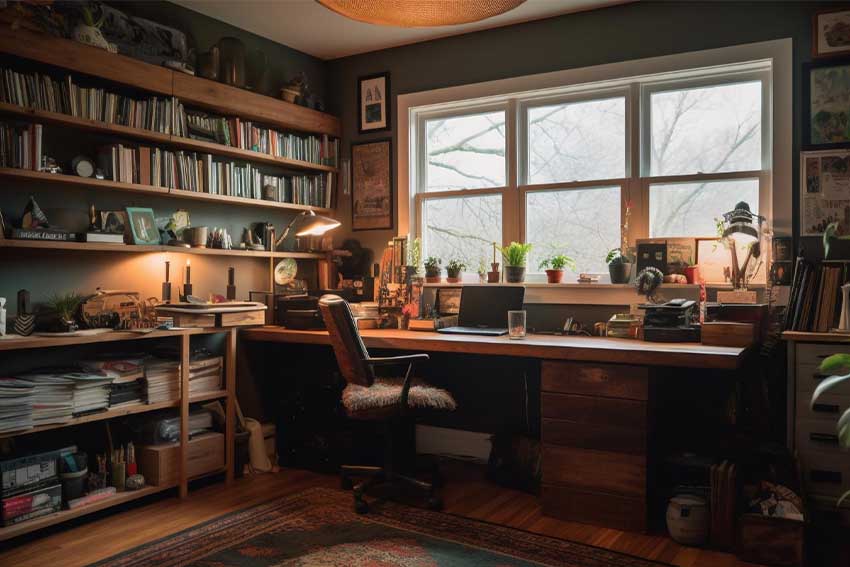
Cordless LED desk lamps and portable task lights make small or shared study spaces far more adaptable. With USB-C charging and 5–30 hours of runtime, you can move bright, focused light from your desk to the dining table, a library booth, or a balcony study nook—no outlet hunt, no cable clutter. Prioritize flicker-free, high-CRI models with step-less dimming so you can dial in 300–500 lux for note-taking or bump higher for diagram-heavy reading. Adjustable color temperature (2700–5000K) helps you shift from alert daytime focus to warm wind-down mode. Low-profile bases and weighted arms keep the beam stable over textbooks, while magnetic puck lights add quick under-shelf or closet illumination for supply grabs. Cordless is also roommate-friendly: study late without lighting the whole room by parking a portable lamp close to the page at low brightness. Tip: keep a charging dock on a surge-protected strip and rotate two lamps if you’re frequently mobile, ensuring you always have reliable, glare-free task lighting on hand.
Motion-Activated Night Lighting: Amber Pathways for Late Sessions
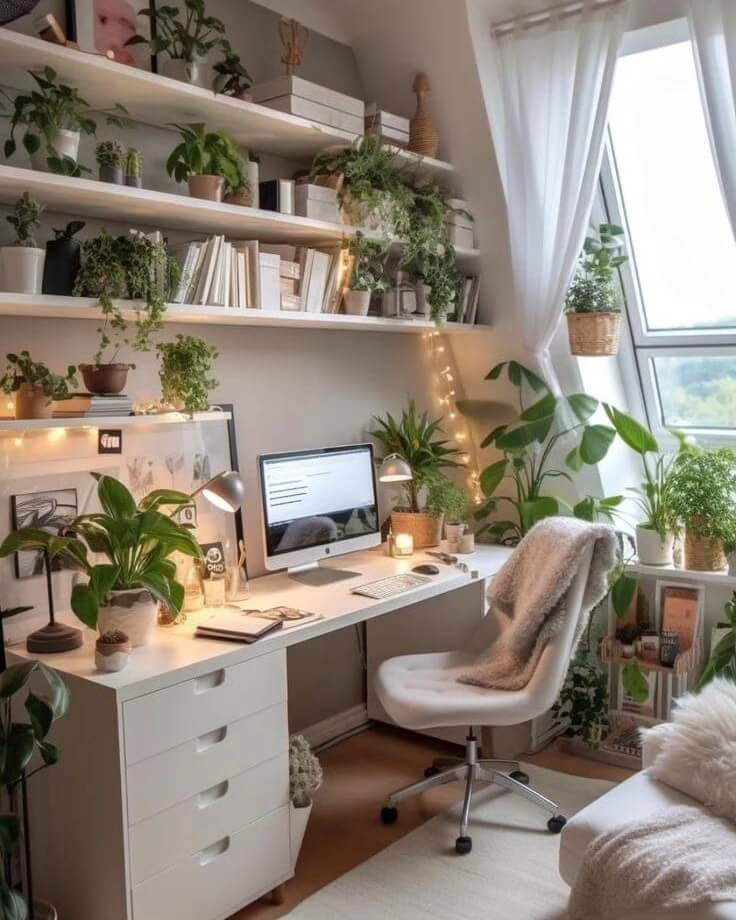
Night-owl schedule? Add motion-activated, ultra-warm pathway lighting so you can move, stretch, or refill water without blasting your pupils. Install PIR sensor strips or low-glow puck lights under the desk, along baseboards, or inside shelving. Set color temperature to 1800–2200K (amber/candlelight) and cap brightness around 5–20%—just enough to navigate without waking your brain with blue light. Timeouts of 30–90 seconds prevent battery drain and protect sleep hygiene. This low-level layer complements dimmed ambient light while keeping your task lamp focused on the page. It’s also a safety net for shared homes and dorms, where you want to avoid overhead switches at 2 a.m. For best results, shield LEDs from direct view and aim them toward floors or walls to bounce and diffuse. Combine with blackout curtains or monitor warm-tone night modes to fully protect circadian rhythm. The payoff: smoother late sessions, fewer jarring light changes, and a study corner that supports both productivity and sleep.
Two-Point “Key + Fill” Study Lighting for Balanced Focus and Video Calls
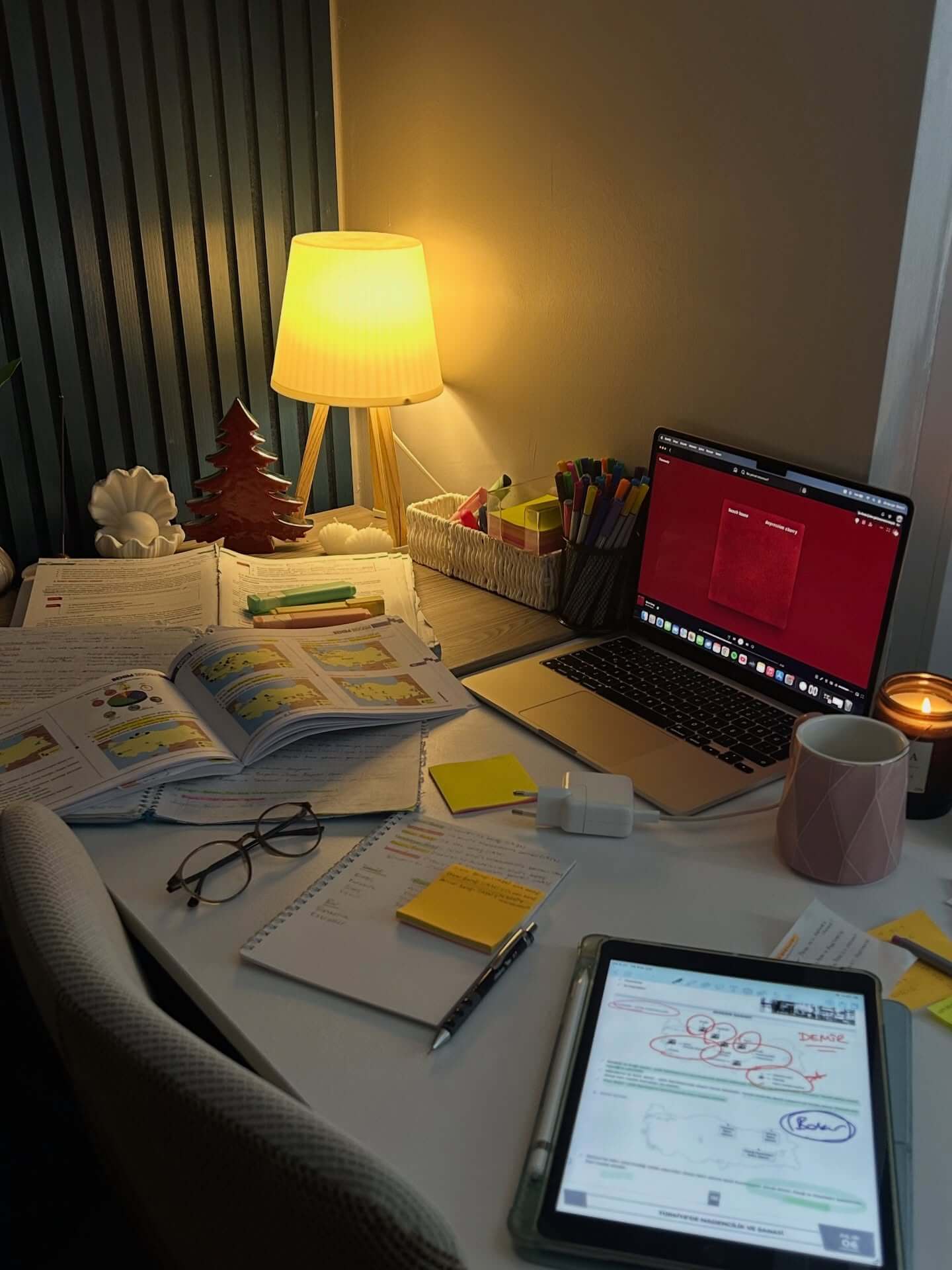
Borrow a filmmaker’s trick to craft a study zone that’s comfortable to read in and flattering on camera. Use your desk lamp as the “key” light—angled 30–45 degrees from your face and opposite your writing hand—then add a soft “fill” from a floor lamp, wall wash, or cove light on the other side. Keep the fill at roughly 30–50% of the key’s brightness so shadows are present but gentle, which reduces visual fatigue on paper and prevents raccoon eyes on Zoom. Choose high-CRI LEDs for both, and set CCT to 4000K for analytical work; drop to 3000–3500K for collaborative calls or evening study. If you wear glasses, raise and feather the key slightly to clear reflections. For the desktop, maintain 750–1000 lux on notes with the key while the fill brings room ambient to 150–300 lux, keeping contrast comfortable. This two-point approach harmonizes task, ambient, and on-camera needs in one tidy, professional-feeling setup.
Flicker-Free Drivers and Low-PWM Dimming: Comfort You Can’t See but Feel
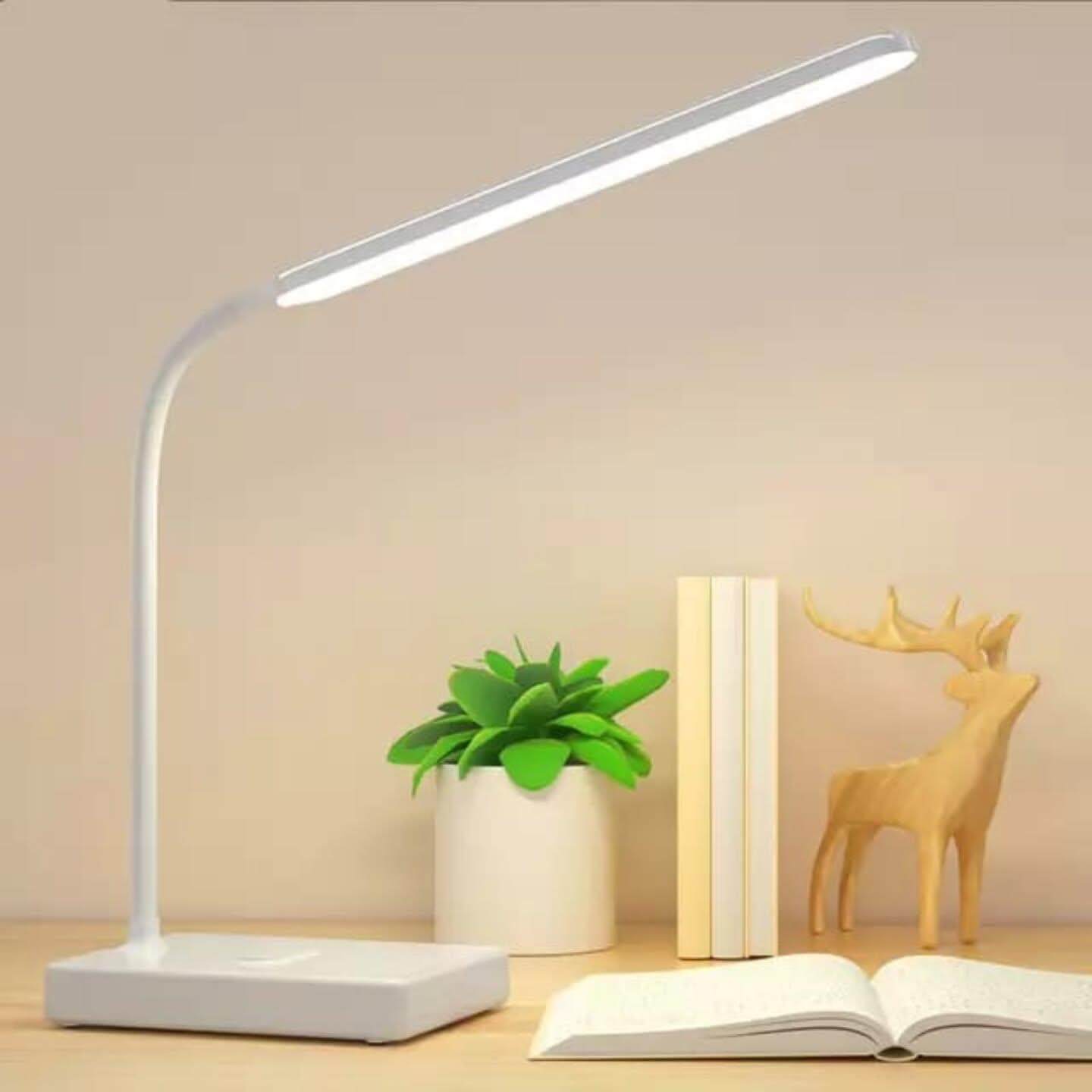
Not all LEDs feel the same. Invisible flicker from low-frequency PWM dimming can trigger headaches, dry eyes, and focus drift—especially during long reading blocks. When shopping desk lamps, strips, or bulbs, look for “flicker-free,” “IEEE 1789 compliant,” “DC dimming,” or high-frequency PWM (>20 kHz). Many quality study lights publish percent flicker and flicker index; lower is better. A quick test: point your phone’s slow-motion camera at the light while dimming—banding indicates problematic flicker. Pair good drivers with matte diffusion and consistent color to maximize comfort. Avoid bargain power supplies that buzz or drop voltage at low dim levels; they often reintroduce strobing. If you use smart bulbs, verify that both the bulb and the dimmer support the same dimming method to prevent artifacts. The result of getting drivers right is subtle but profound: steadier concentration, clearer text, and fewer end-of-day symptoms. In study lighting, quality electronics are as impactful as lumens or CCT.
Lux and Lumens Planning: How Bright Your Study Really Should Be
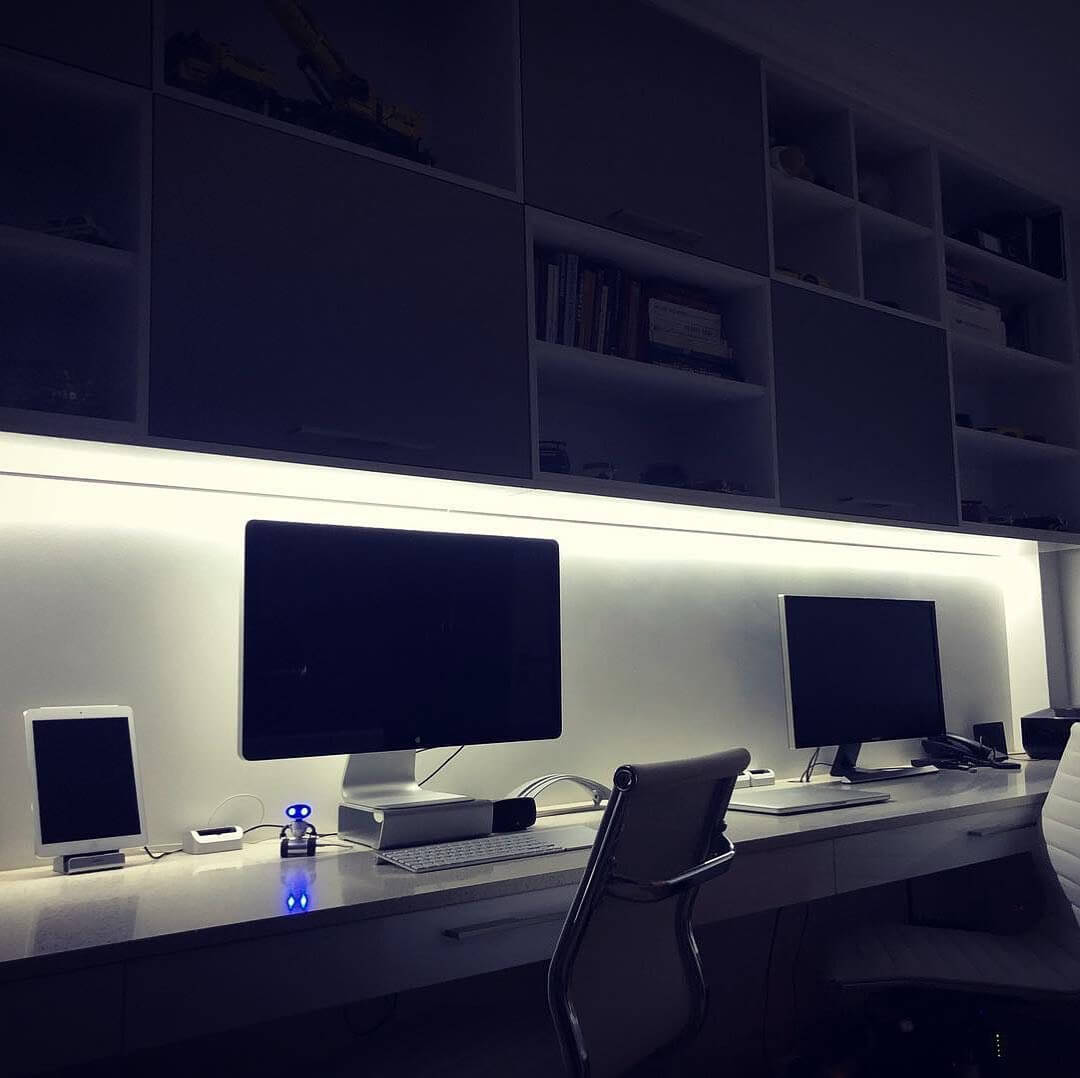
Design your study lighting by the numbers. For comfortable reading and handwriting, target 750–1000 lux on the page; for general ambient, maintain 150–300 lux around the room; for keyboard and screen periphery, 300–500 lux keeps eyes relaxed. A quick rule: on a 0.5 m² desktop, 400–600 task lumens focused through a well-shaped beam can reach ~800 lux at the page; add ambient sources to smooth contrast. Use a lux meter app to measure at notebook height and adjust lamp distance and angle until you hit targets. Older eyes often need +200 lux to achieve the same clarity. Favor high-CRI (90+) LEDs so black text looks truly black and colored highlights remain distinct at lower brightness. Balance CCT to time of day: 4000–5000K for deep focus, 2700–3000K for late-night review. Finally, reduce losses with good diffusion and reflective surfaces—white ceilings and light walls bounce ambient, while matte desktops prevent glare. Plan it once, study better every day.
DIY Cove Lighting: Bounce the Ceiling for Calm, Shadow-Free Ambient
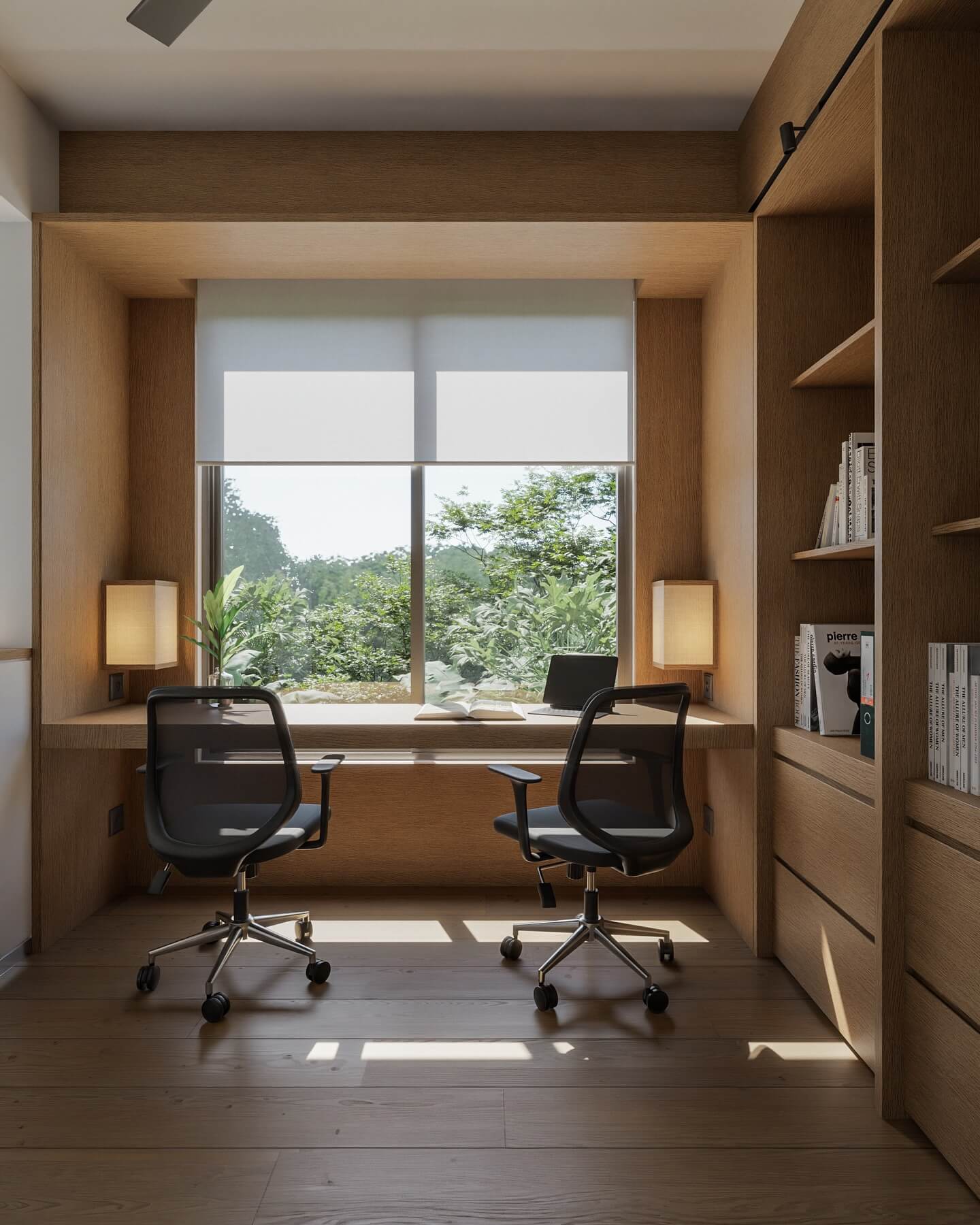
Cove lighting adds a polished, hotel-like glow that makes studying feel calmer and more expansive. Install high-density LED strips (at least 120–180 LEDs/m) in a crown molding cove or on a shelf lip near the ceiling so light bounces upward and diffuses across the room. Choose high-CRI strips with a constant-voltage driver and pair with aluminum channels and opal diffusers to eliminate diode “dots.” For daytime clarity, set 3500–4000K; at night, warm-dim to 2700–3000K and lower output to 10–30% so your task lamp remains the visual “anchor.” Place the cove along the wall behind or beside your desk to reduce contrast with the monitor and create a soft fill for your key light. Hide the power supply in a cabinet or cable track, and use a compatible dimmer for flicker-free control. Unlike bare overheads, cove lighting wraps the room in even ambient, reducing harsh shadows and boosting comfort for long reading sessions.
Clamp-On Swing Arm Lamps: Big Reach, Zero Desk Footprint
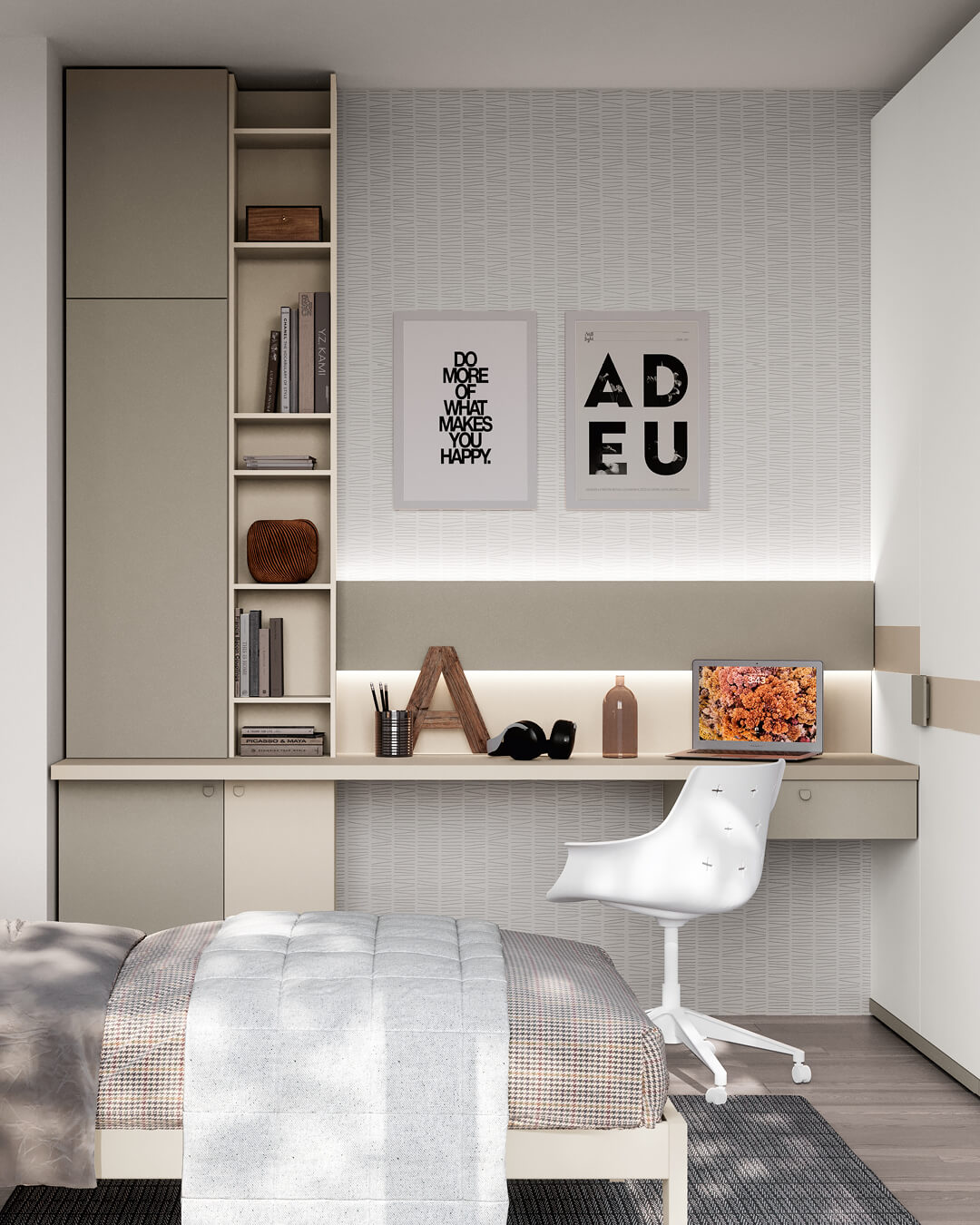
If your study space is tight, a clamp-on swing arm lamp delivers serious, targeted illumination without stealing surface area. Choose a model with two or three articulated joints so you can position light 35–45 degrees to your work, keeping the LED panel below eye level to avoid glare. For daytime focus, aim for neutral-white 4000–5000K, 90+ CRI for true-to-life text and highlighter colors, and 800–1200 lumens with smooth, flicker-free dimming. Right-handed? Mount the lamp to the left so your hand doesn’t cast shadows (reverse if left-handed). Place the clamp toward the back corner of the desk; extend the arm so the head sits just off-center above your notebook or keyboard. Look for a diffuser or edge-lit design to spread light evenly across paper without hotspotting. Bonus: lamps with a wide head can wash a portion of the wall to the side, softening contrast and making screens feel easier on the eyes. Memory presets (“Focus,” “Read,” “Wind Down”) make it simple to lock in lighting that matches the task and time of day, keeping your study zone bright, calm, and productive.
Get the Fail-Safe Paint Color Playbook (Free PDF)
36 proven colors • 8 ready palettes • trim & sheen guide • printable testing cards.
Under-Shelf LED Strips: Shadow-Free Task Light Right Where You Need It
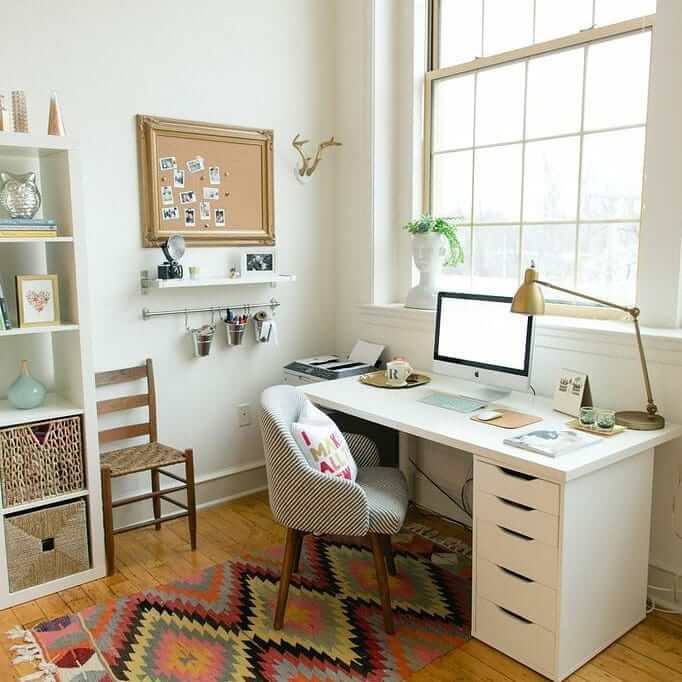
Turn shelves into stealth task lights. A slim LED strip mounted in an aluminum channel with an opal diffuser, tucked under a shelf or cabinet above your desk, creates even, shadow-free illumination exactly where you read and write. Position the channel at the front lip of the shelf and angle it slightly toward the back of the desk to avoid glare on glossy pages and monitors. For note-taking and textbooks, choose 4000–4500K with 90+ CRI so ink contrast and color-coded highlights stay crisp. In the evening, dim to 2700–3000K to relax your eyes without sacrificing legibility. Aim for 300–600 lumens per foot (60–120 LEDs/m density) to hit 500–750 lux on the desktop. A 24V, flicker-free driver paired with an inline dimmer or smart switch keeps light smooth and adjustable; hide the driver at the back of the shelf with tidy cable management. Because the source is concealed, you get clean lines, no desk clutter, and comfortable brightness that complements your ambient lighting—perfect for small nooks, dorms, or minimalist home offices.
Tunable White “Focus to Unwind” Scenes: Automate Color Temp and Brightness
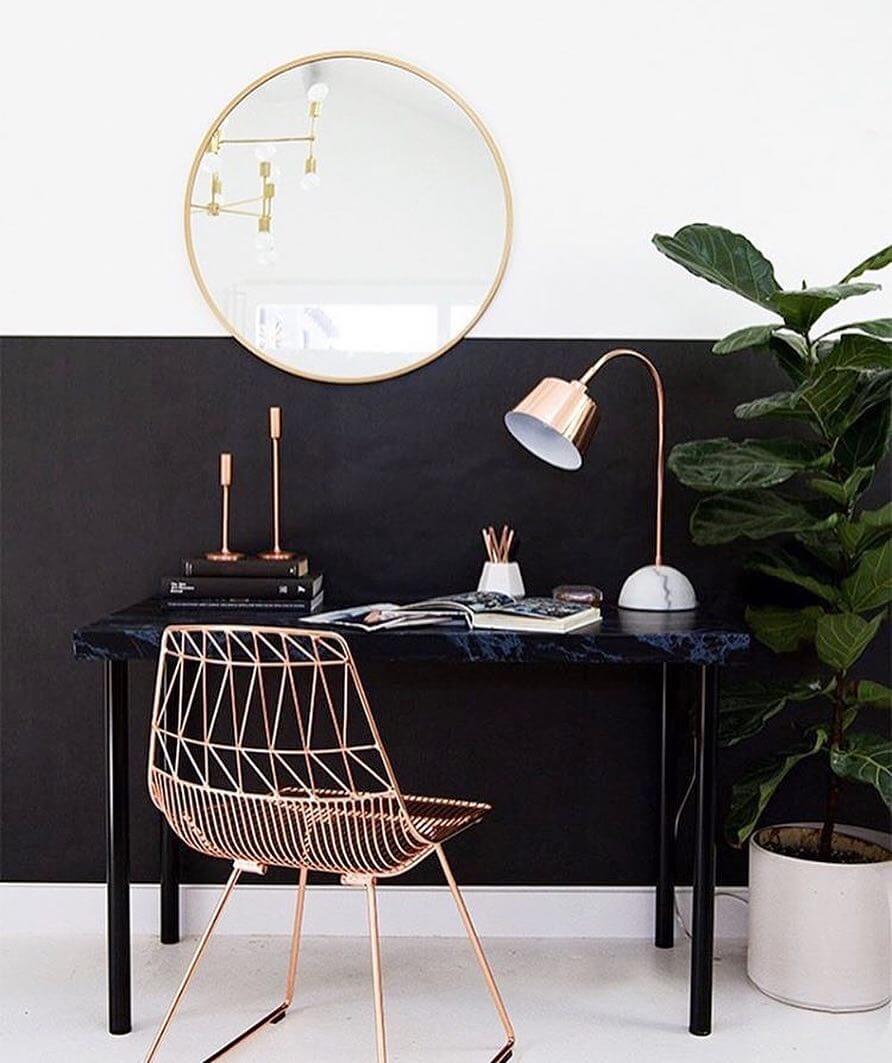
Lock in consistent study performance with tunable white lighting and simple scenes. Replace bulbs or strips with adjustable CCT LEDs (2700–6500K) and set three core profiles: 1) Deep Focus—4500–5000K, 600–800 lux at the desk for analytical work; 2) Read & Annotate—3500–4000K, slightly softer, for long-form reading; 3) Wind Down—2700–3000K, dimmed, to close the night without blasting blue. Use a smart dimmer, desk lamp presets, or voice control to switch modes instantly, and schedule transitions so your room warms automatically after sunset. If you study in intervals, pair scenes with a timer (Pomodoro) so bright, cool light cues focus blocks while warmer, lower light marks breaks. Prioritize flicker-free hardware with high CRI for comfortable, accurate text and color. Layer your scenes with ambient sources—cove, floor lamps, or wall wash—to keep contrast gentle on the eyes. The result is consistent, repeatable lighting that supports circadian rhythm, reduces decision fatigue, and keeps your workspace feeling intentional from morning cram sessions to late-night reviews.
Plug-In Wall Sconces and Swing Arms: Clear Your Desk, Light Like a Pro
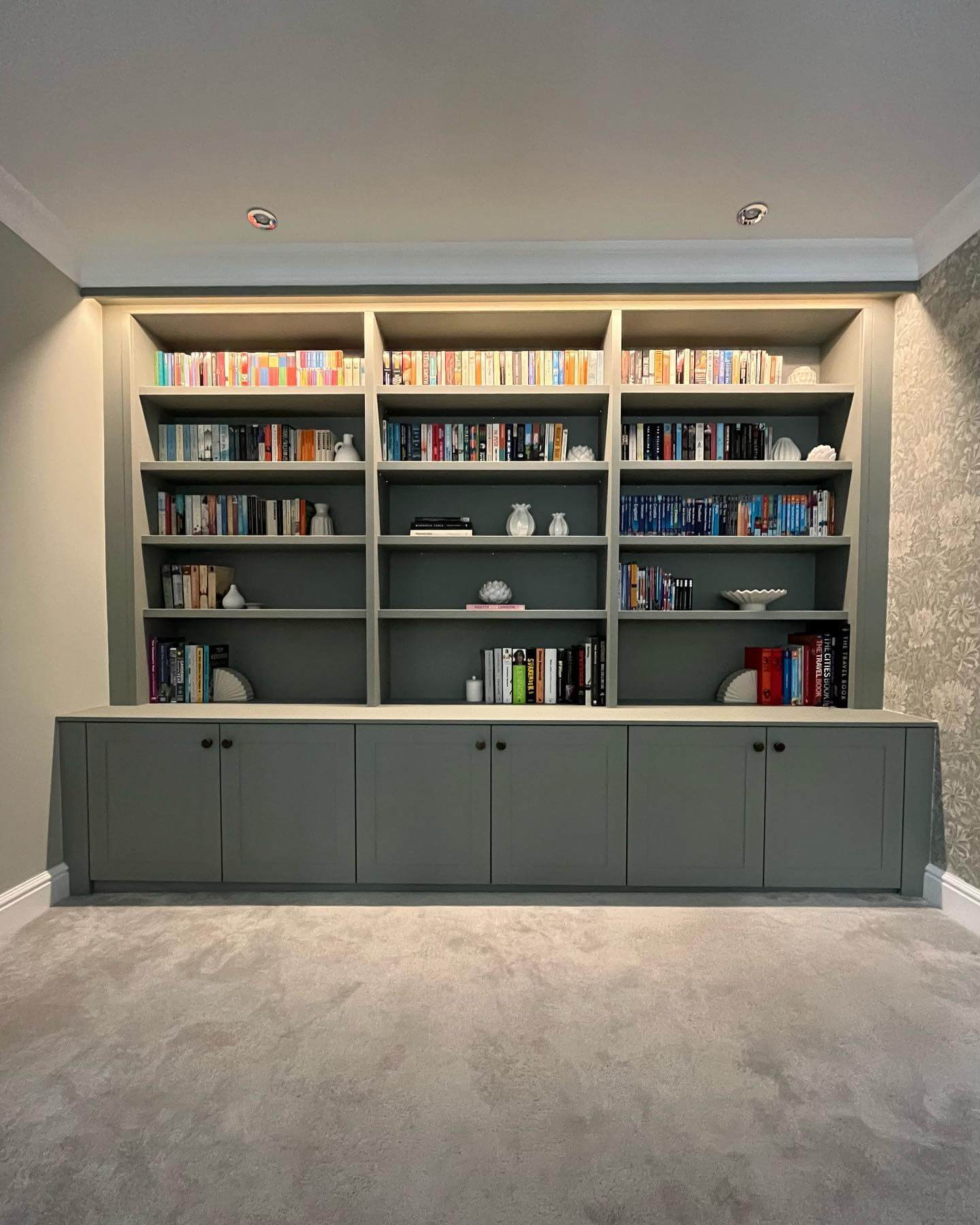
Free up valuable desk space with plug-in wall sconces or swing-arm lamps that deliver precise, glare-controlled task lighting. Mount the fixture so the light source sits 24–30 inches above the desktop and 12–18 inches to the side opposite your writing hand. A matte or opal diffuser will spread light evenly across paper while keeping the bulb out of your sightline. Choose 4000K for daytime clarity, 90+ CRI for accurate notes and color tabs, and add an inline dimmer to fine-tune brightness for screens versus textbooks. Swing-arm sconces let you bring the beam in close for handwriting, then park it off to the side for keyboard work or video calls—think of it as a built-in “key” light that flatters your face without washing your monitor. Use a paintable cord cover for a clean look and consider pairing the sconce with soft ambient sources (cove or a corner floor lamp) to lower contrast and reduce eye strain. You get professional, studio-like control with a calm, uncluttered desktop.
High-CRI Study Bulbs: See Ink, Highlighters, and Diagrams the Way They’re Meant to Be
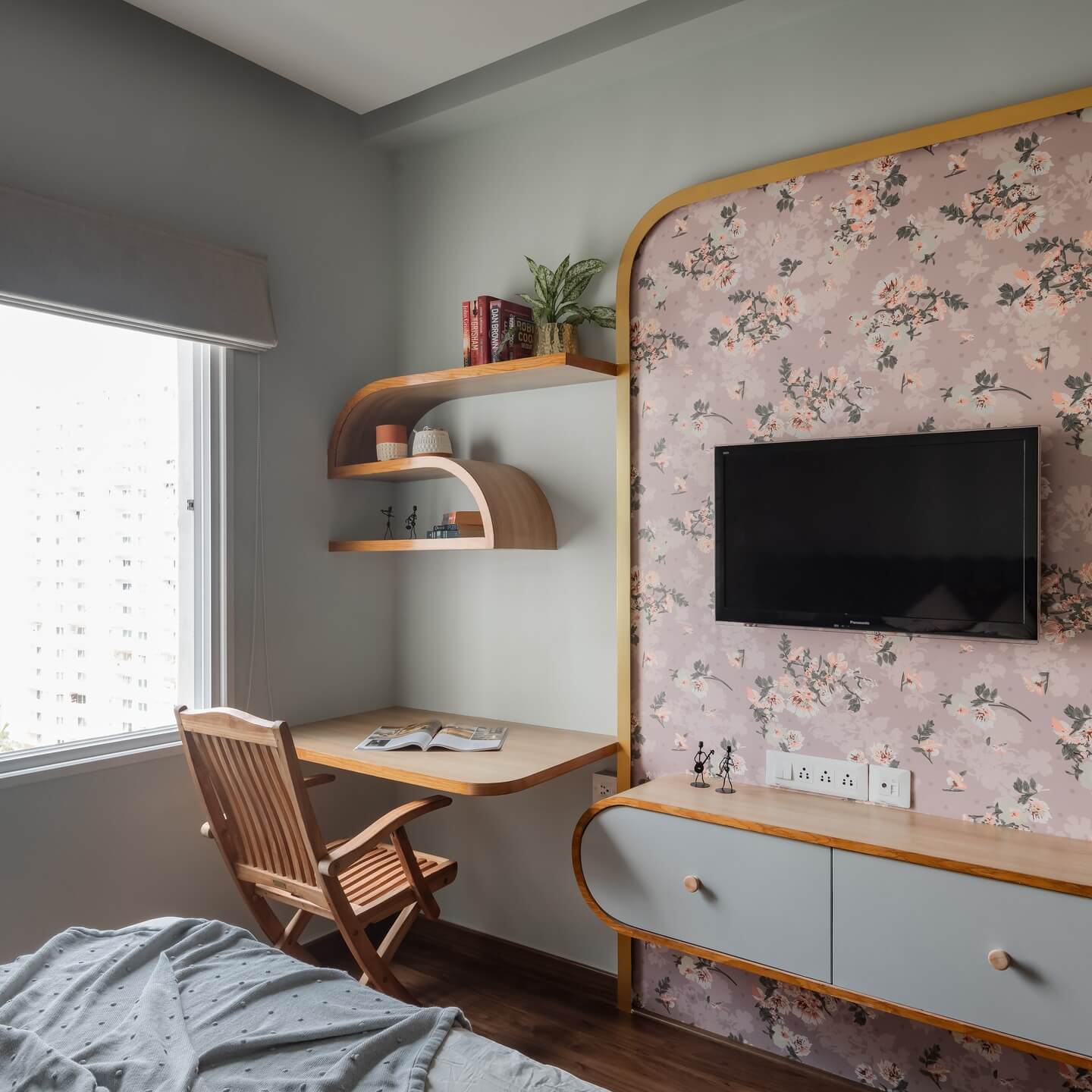
If you annotate, color-code, or work from detailed diagrams, high-CRI lighting is a game-changer. Look for LEDs rated CRI 90+—ideally CRI 95 with strong R9 (red) rendering—so black ink appears richer, fine serifs stay crisp, and highlighter hues don’t look muddy or gray. Pair high CRI with a neutral color temperature (4000–4500K) at the desk to make textbook charts and sticky notes pop without harshness. Match your task lamp, under-shelf strip, and ambient bulbs so color stays consistent across the room; mixed spectra can fatigue your eyes as they adapt. Don’t overlook comfort specs: flicker-free drivers, low PWM dimming, and a proper diffuser or edge-lit design reduce micro-glare and visual noise during marathon sessions. With better color rendering, you’ll catch subtle ink shades, track red edits faster, and avoid misreading charts—small wins that add up to real productivity. It’s one of the simplest upgrades: swap the bulb, elevate clarity, and study longer with less strain.
Offset Pendant Task Lighting: Soft Overhead Glow Without Screen Reflections
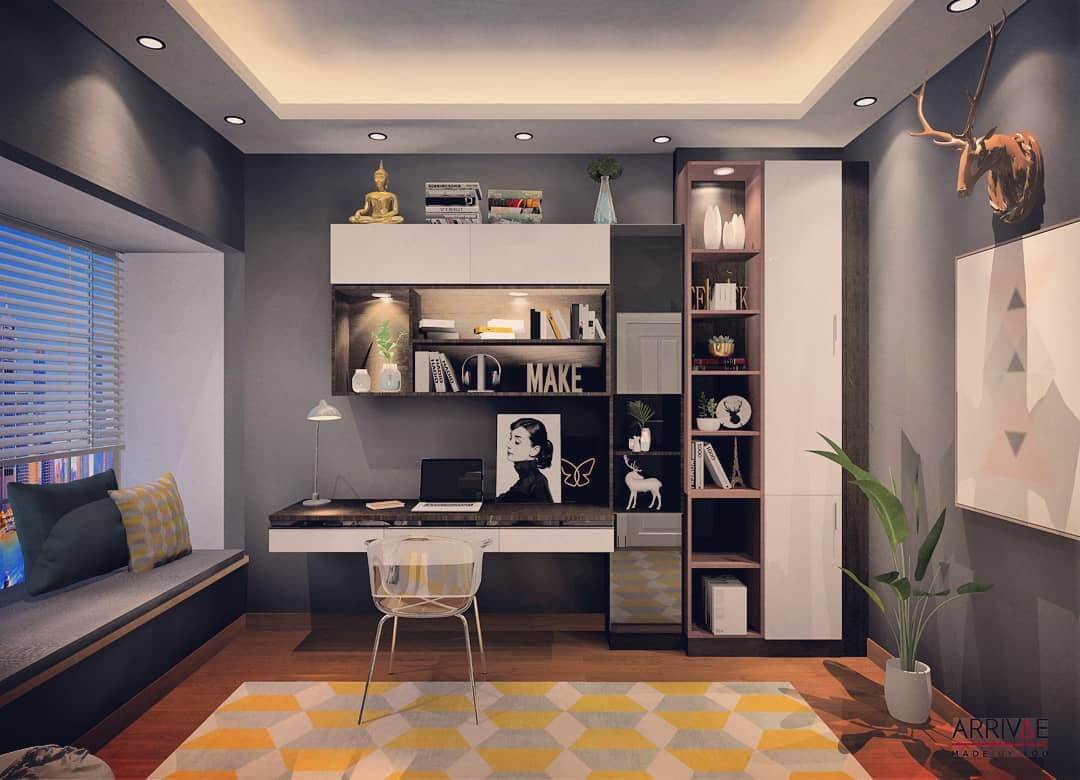
A thoughtfully placed pendant can deliver beautiful, functional study light—if you control height, offset, and diffusion. Hang the pendant so the diffuser sits about 28–34 inches above the desktop, and offset it toward your non-dominant side to minimize hand shadows. Choose a matte shade with an opal diffuser or fabric drum to spread light widely without exposed hotspots; aim for 1000–1500 lumens on a dimmer so you can dial brightness for reading, typing, or video calls. To protect your monitor, position the pendant slightly forward or to the side so it lights the work surface without bouncing directly into the screen. Neutral-white 3500–4000K keeps paper and skin tones natural, while a companion floor lamp or wall wash softens room contrast for comfortable, all-evening sessions. If you like a cleaner desk, this single fixture can act as both ambient and task lighting when paired with a discreet under-shelf strip for detail work—elegant, balanced, and glare aware.
Bias Lighting Behind Monitors: Gentle Contrast That Calms the Eyes
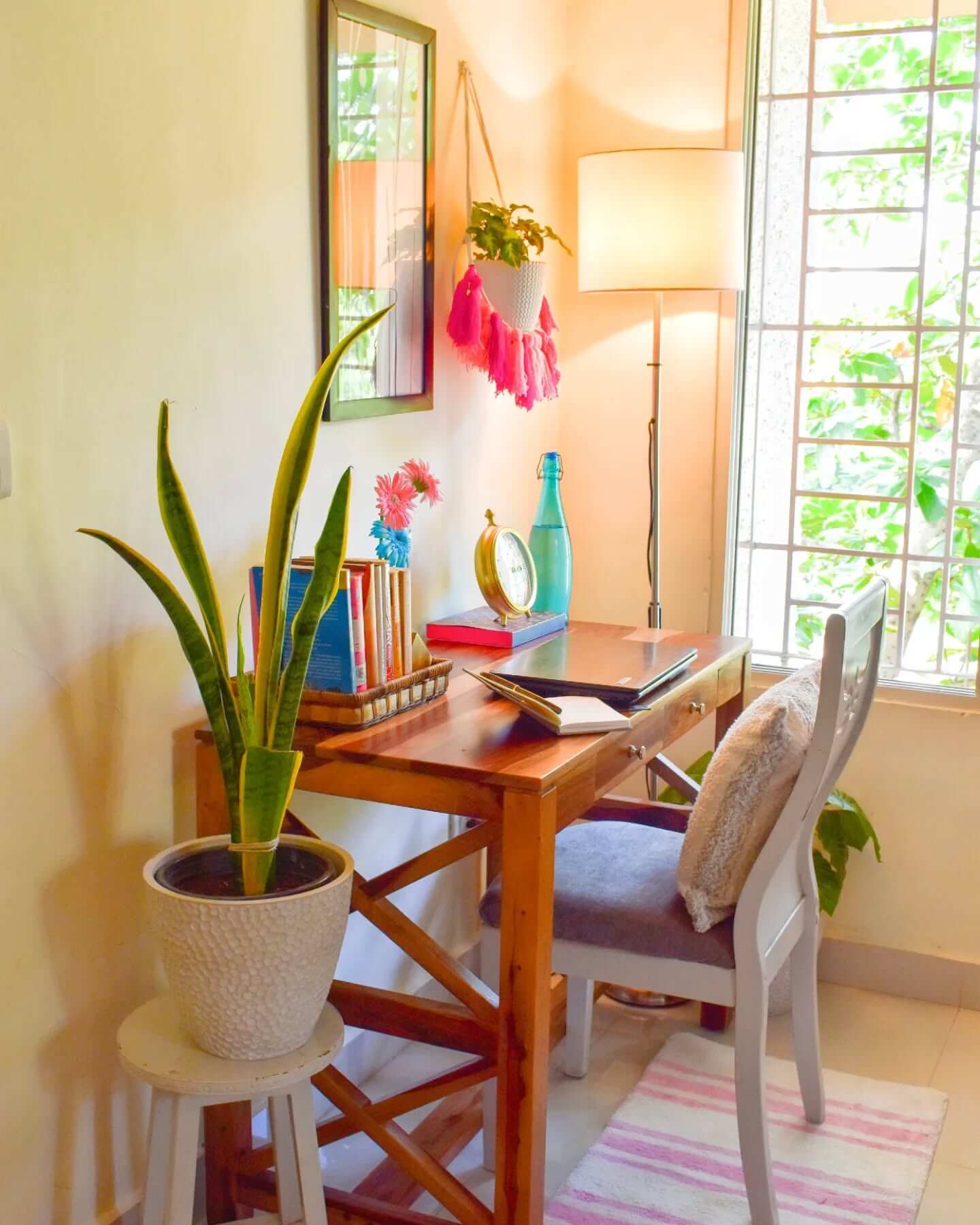
Bias lighting—an LED strip placed behind your monitor or along the back edge of the desk—reduces eye strain by brightening the wall behind the screen and lowering extreme contrast. For study and editing, use a neutral D65 (around 6500K) strip with 90+ CRI so whites stay clean and text remains crisp. Keep brightness modest (about 10% of your screen’s peak output) to avoid washing out the image. Mount the strip near the outer perimeter of the display to create an even halo; if your desk backs a wall, this turns the wall into a soft light source that makes long reading sessions easier. Pair bias light with a monitor light bar or swing-arm lamp for paper notes, and keep your ambient layer—cove or a corner lamp—dim but present. Choose constant-voltage, flicker-free strips for comfort, and skip saturated RGB effects while studying; save color accents for breaks. The payoff is clearer contrast, reduced fatigue, and a desk that feels polished and immersive.
High-Reflectance Surfaces: Paint and Finishes That Multiply Your Lumens
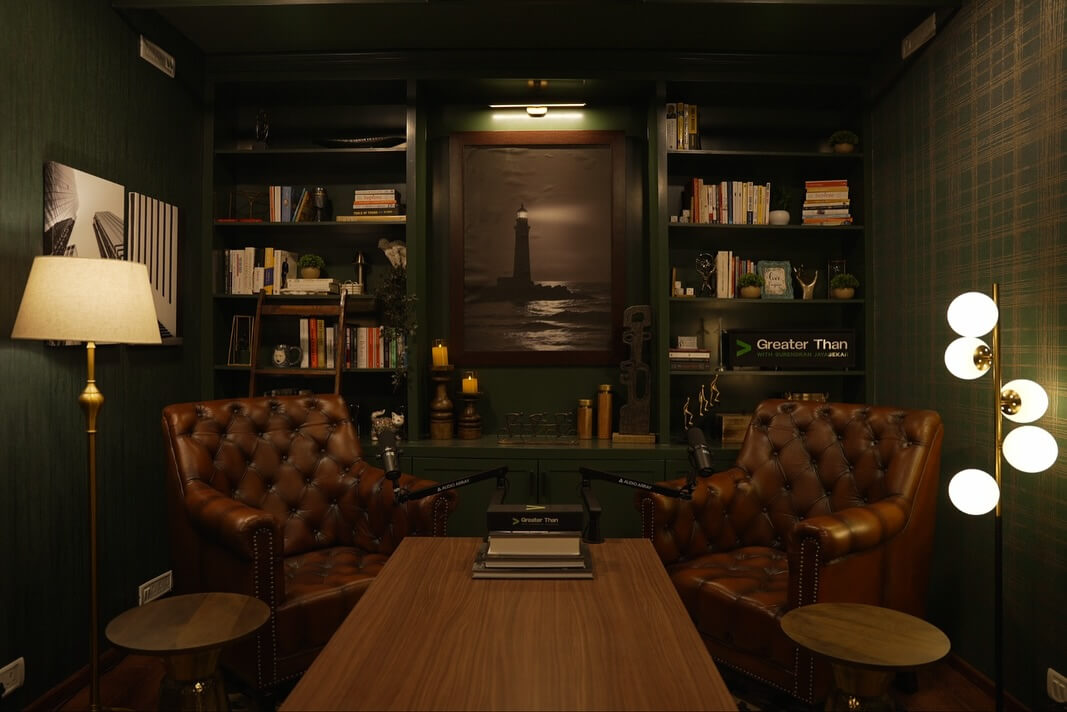
Sometimes the best lighting “upgrade” is the surface it bounces from. Light-colored walls and ceilings with high light reflectance value (LRV 70–85) amplify every lumen from your desk lamp, sconces, and cove lighting, creating softer, more uniform brightness with fewer fixtures. Choose a matte or eggshell finish to diffuse light and curb specular glare—especially helpful around screens. On the desk itself, skip glossy black tops that mirror light sources; opt for lighter woods or a matte desk pad (neutral gray or off-white) to boost legibility and tame reflections. If you have shelves or a hutch, painting the underside a light matte tone helps under-shelf strips spread more evenly. Pair these reflectance tweaks with sheer window treatments to harness daylight without harsh hotspots. The result is a brighter, calmer study zone where task lighting works more efficiently, contrast is kinder on your eyes, and your whole setup looks intentionally lit—even on a student budget.
Ambient and Layered Study Lighting Ideas for Comfort, Clarity, and Consistency
Ambient lighting sets the baseline brightness that keeps your eyes relaxed while the task lamp does the precision work. Target 150–300 lux room-wide so walls, notes, and screens share comfortable contrast. Indirect or diffused sources—pendants with opal shades, uplights, or cove LEDs—spread light evenly and reduce harsh shadows. Choose warmer 2700–3500K for late evenings and neutral 3500–4000K for daytime clarity, especially in windowless study rooms. Paint with mid-light matte finishes to bounce light softly and control glare on glossy pages.
- Select a dimmable ceiling fixture with a wide beam and frosted diffuser to wash the room evenly, preventing hard edges and letting you tune brightness for reading, calls, or brainstorming.
- Add a floor lamp behind your chair with an opal shade or uplight bowl to create depth, soft backlighting, and fewer screen reflections during video lectures or remote presentations.
- Backlight bookcases or wall art using warm LED strips on dimmers, reducing contrast with your task area while highlighting visual anchors that make long study sessions feel welcoming.
- Use smart bulbs or switches to create scenes for focus, collaboration, and relaxation, aligning brightness and color temperature with time-of-day and study goals without touching multiple controls.
- Balance daylight with adjustable blinds and sheer curtains, controlling glare on screens while preserving directional light that helps you stay alert and maintain a consistent body-clock cue.
Layer accent light thoughtfully so the room feels dimensional rather than flat. Bias lighting behind monitors at 4000–6500K reduces perceived contrast and eases eye strain during late research. Small wall washers or picture lights can guide your gaze to reference boards without overpowering the desk. Motion or presence sensors with fade-on keep hands free and prevent abrupt brightness jumps. At night, pivot to warmer, lower levels to protect melatonin while preserving legibility for light note reviews.
Get the Fail-Safe Paint Color Playbook (Free PDF)
36 proven colors • 8 ready palettes • trim & sheen guide • printable testing cards.
Bright Questions, Brilliant Answers: Your Study Light Playbook
What color temperature is best for studying?
For daytime focus, choose neutral white around 3500–4500K. In the evening, step down to 2700–3000K to maintain comfort and support your circadian rhythm while still keeping text readable.
How bright should my desk be?
Aim for 500–1000 lux directly on the work surface, measured at notebook height. Combine this with 150–300 lux ambient lighting to reduce contrast and prevent eye strain from dark surroundings.
Get the Fail-Safe Paint Color Playbook (Free PDF)
36 proven colors • 8 ready palettes • trim & sheen guide • printable testing cards.
Are LED monitor light bars actually helpful?
Yes, if they use an asymmetrical beam and good diffusion. They illuminate the desk without reflecting on the screen, freeing space and balancing brightness between your display and documents.
How can I cut glare in a small study room?
Use diffused, indirect sources and matte finishes on nearby walls. Position task lights opposite your writing hand, angle screens away from windows, and add sheer curtains or blinds to tame daylight.
Final Verdict: Light Smarter, Study Better
A focused, great-looking study space comes from thoughtful layers—task light that puts pages in crisp relief, ambient glow that softens contrast around you, and subtle accents that add depth without glare. Pair high-CRI LEDs with the right color temperature—cool-neutral for deep work, warm for late reading—and place fixtures intentionally to avoid shadows and screen reflections. Techniques like the 45/45 task-lighting rule, uplighting and wall washing, and gentle bias lighting behind monitors calm the eyes and keep you engaged longer.
Build your setup step by step. Start with a flicker-free, dimmable desk lamp or clamp-on swing arm and add under-shelf strips for shadow-free coverage. Use smart bulbs or tunable fixtures to automate “focus to unwind” scenes, shifting from bright, neutral-white during study sprints to softer, warmer tones as you wrap. Fill the room with indirect light—cove, sconces, or corner columns—to lower contrast, and lean on diffusion and matte finishes to tame hotspots and glare. Aim for a bright but comfortable work surface and balanced ambient levels, and shape daylight with sheers and smart desk placement.
Test, tune, and personalize. A quick lux check on your phone, a few angle tweaks, and minor upgrades—monitor light bar here, plug-in wall sconce there—can transform how long you can read, write, and think without fatigue. Invest where it matters (CRI, drivers, dimming), iterate as your needs evolve, and you’ll end up with a study zone that feels calm, looks refined, and quietly boosts your best work.